Bluetooth Tutorial 2 - Find Me
Introduction
PSoC Setup
Open PSoC Creator and selct file –> Code Example… from the top menu.
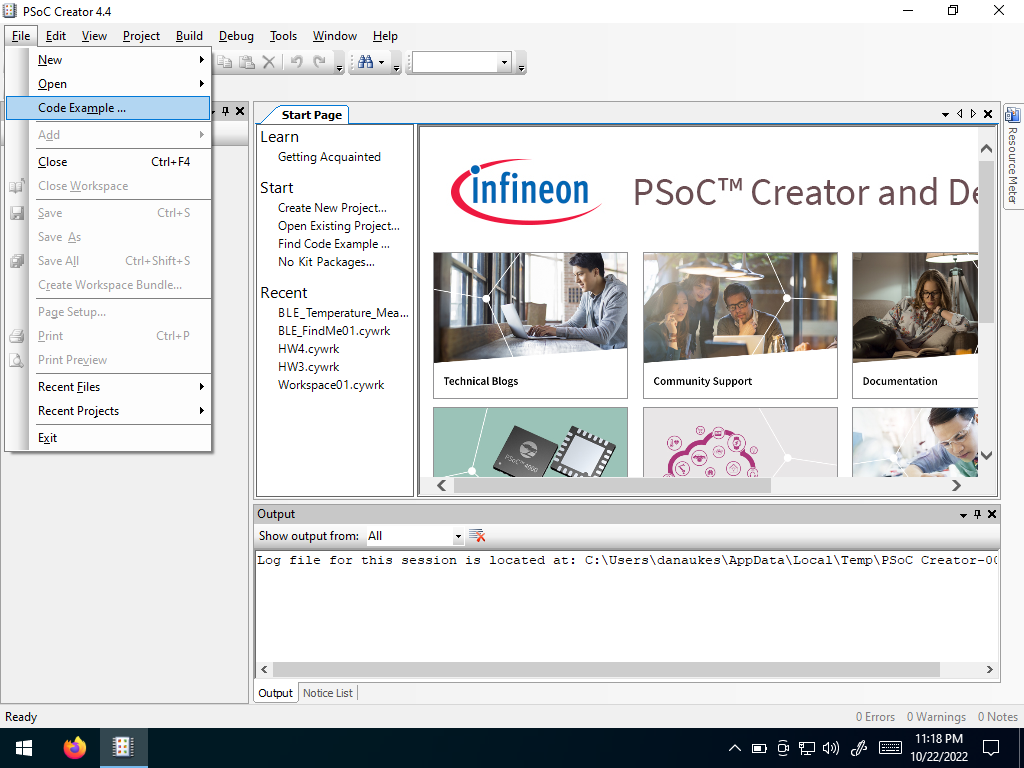 Open a Code Example
Search for “BLE” in the list that opens
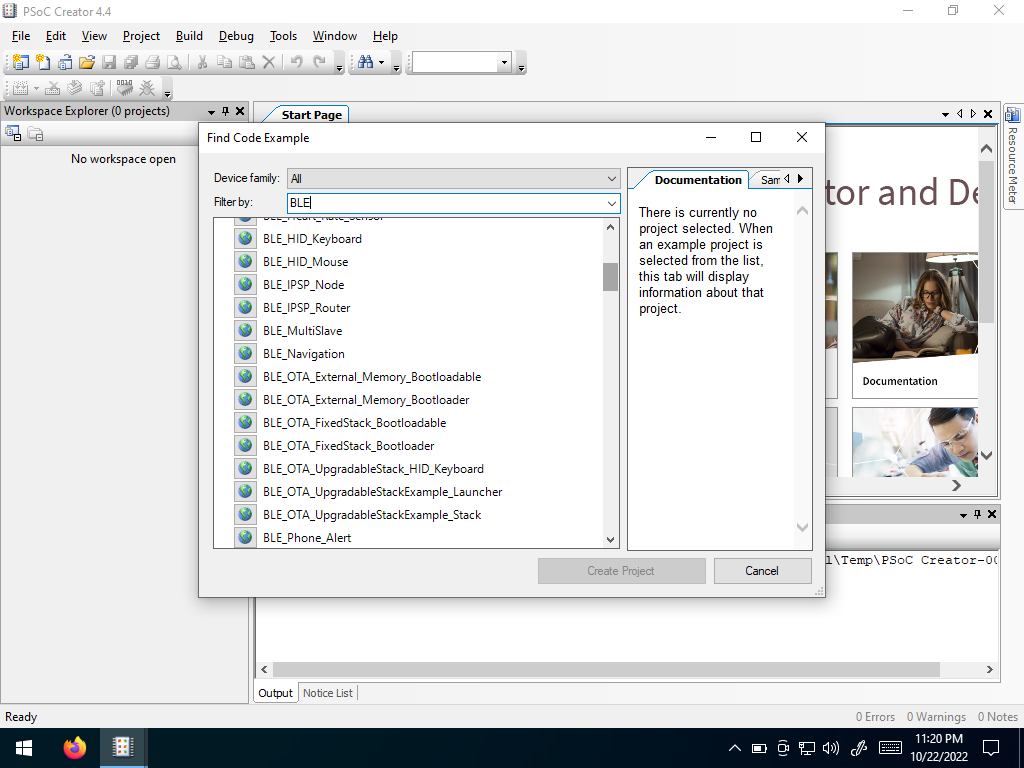 Search for BLE
Click the World Icon
 to download the code example
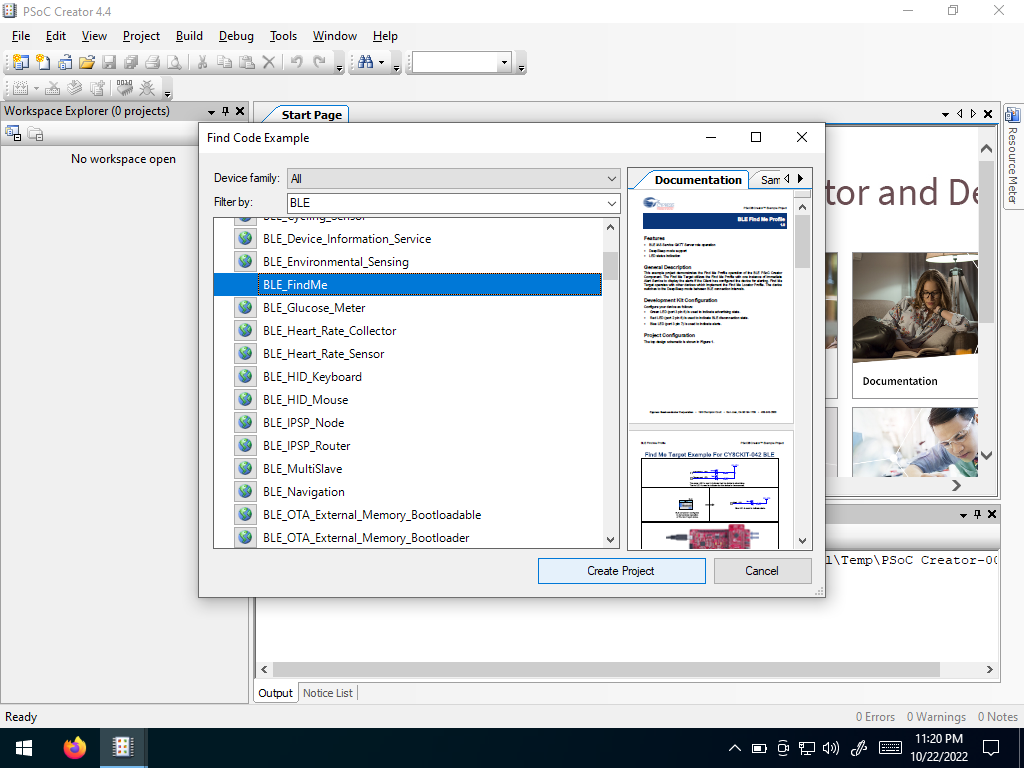 Select “BLE_FindMe”
Create a new project using the defaults
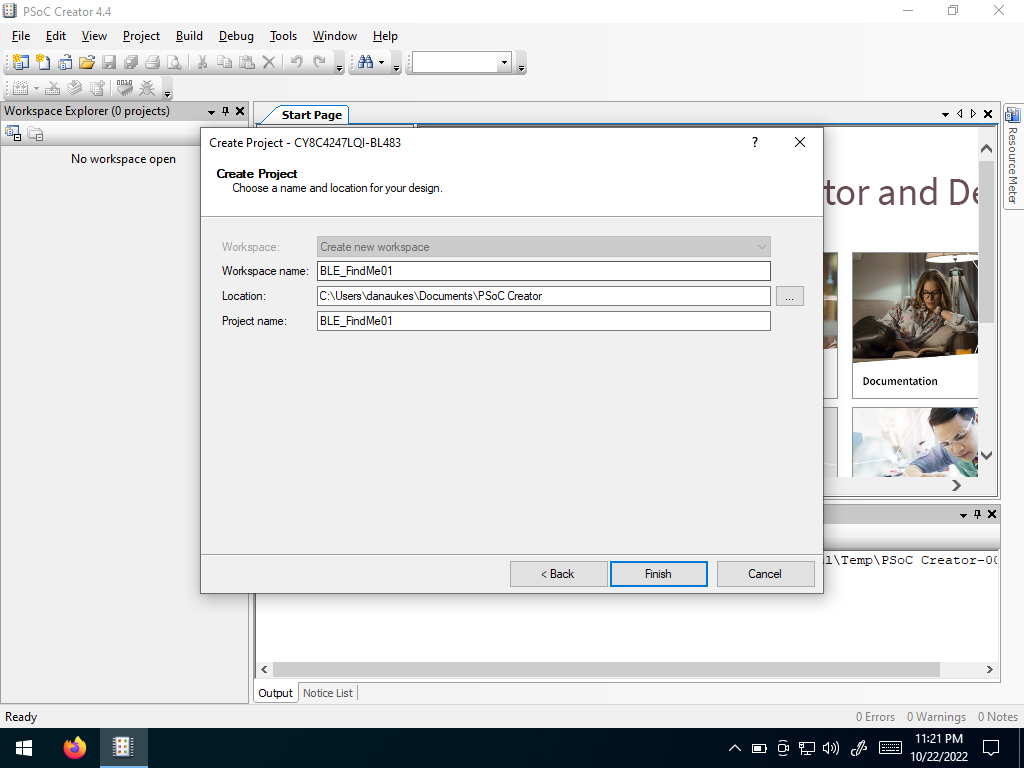 Create a new project
A .pdf tutorial will open that you can follow along with, in conjunction with this tutorial.
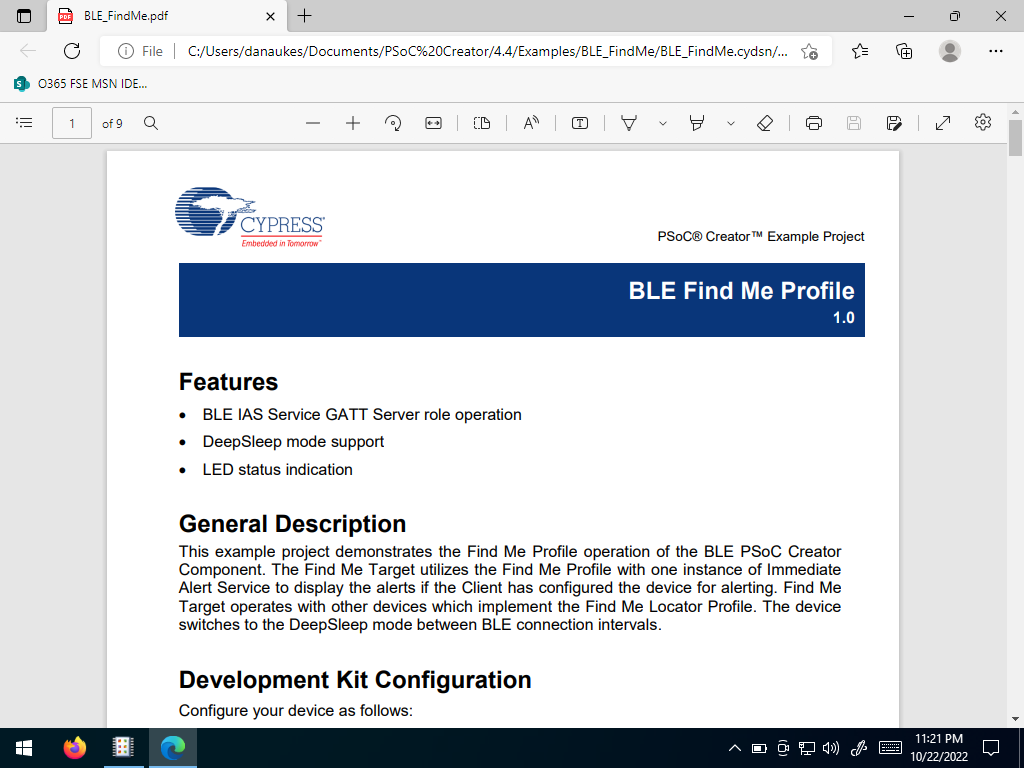 A pdf tutorial
In the project workspace, right click on the project
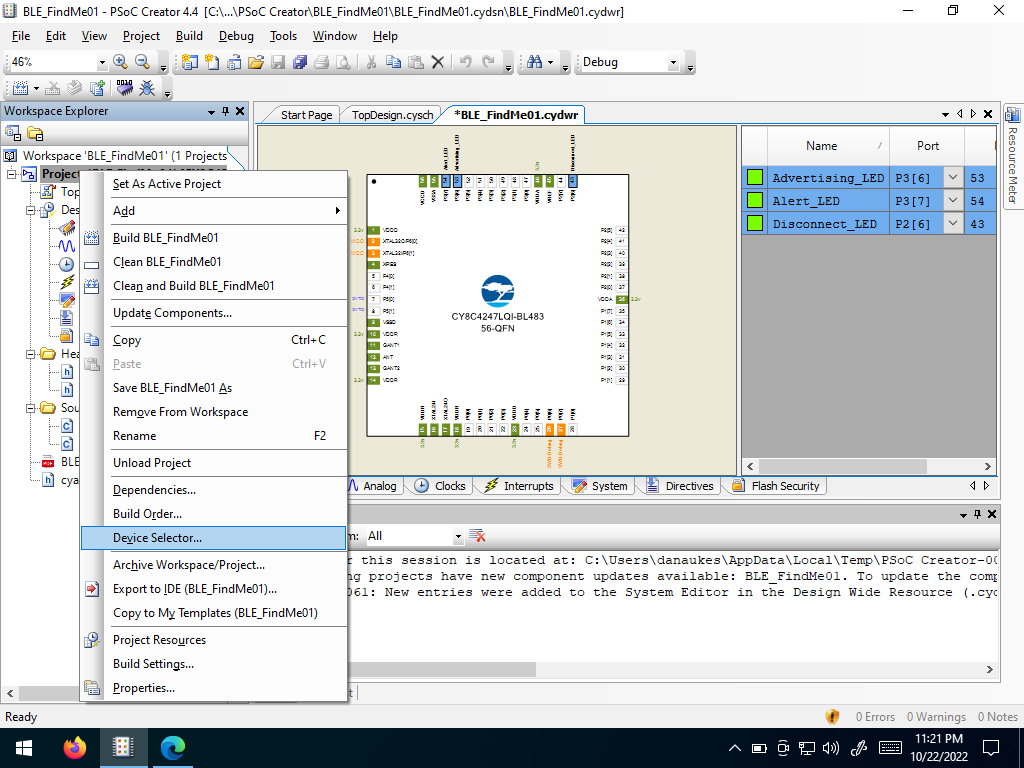 Open the Device Selector
Select the BLE module plugged into your Pioneer Board
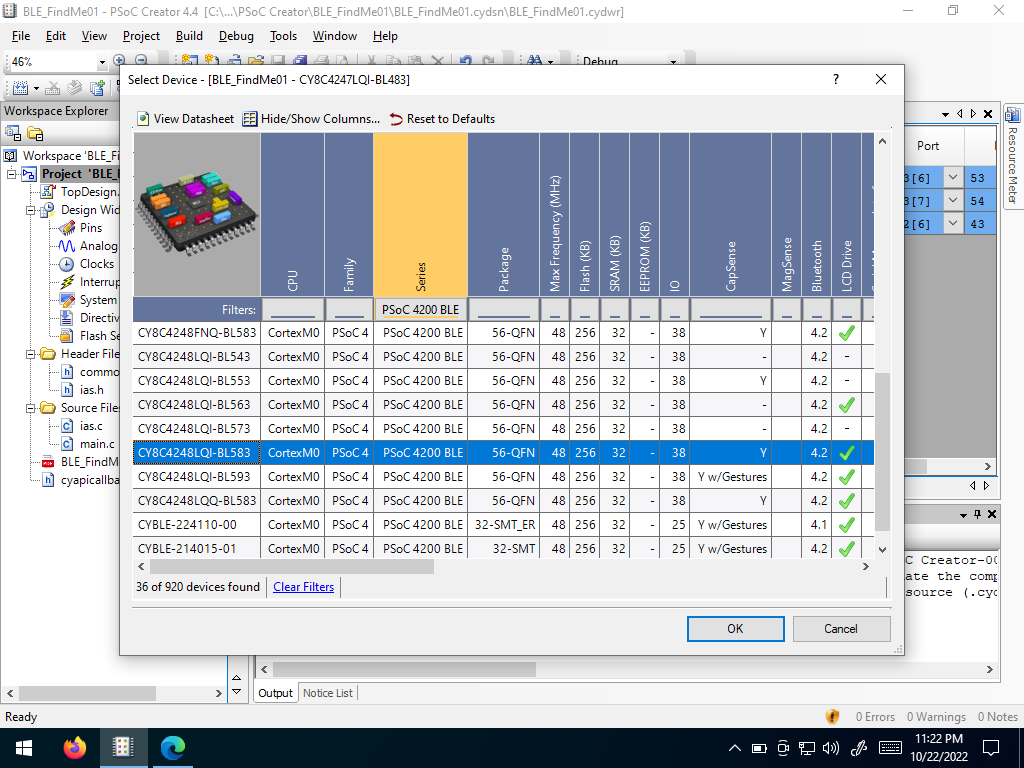 Select your BLE module
The project will update, mapped to your selected microcontroller
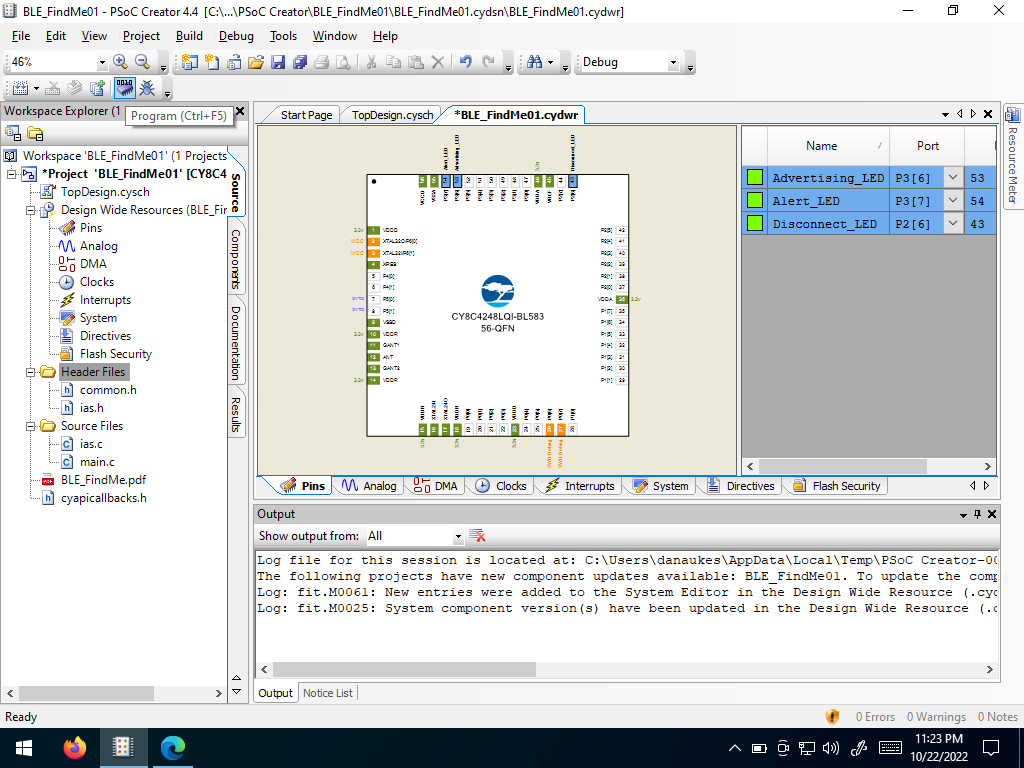 Updated Project
Download your project to the PSoC
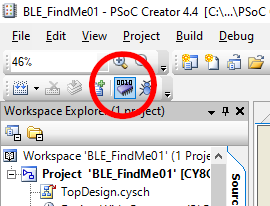 Download your project
CySmart PC App
Open the CySmart app.
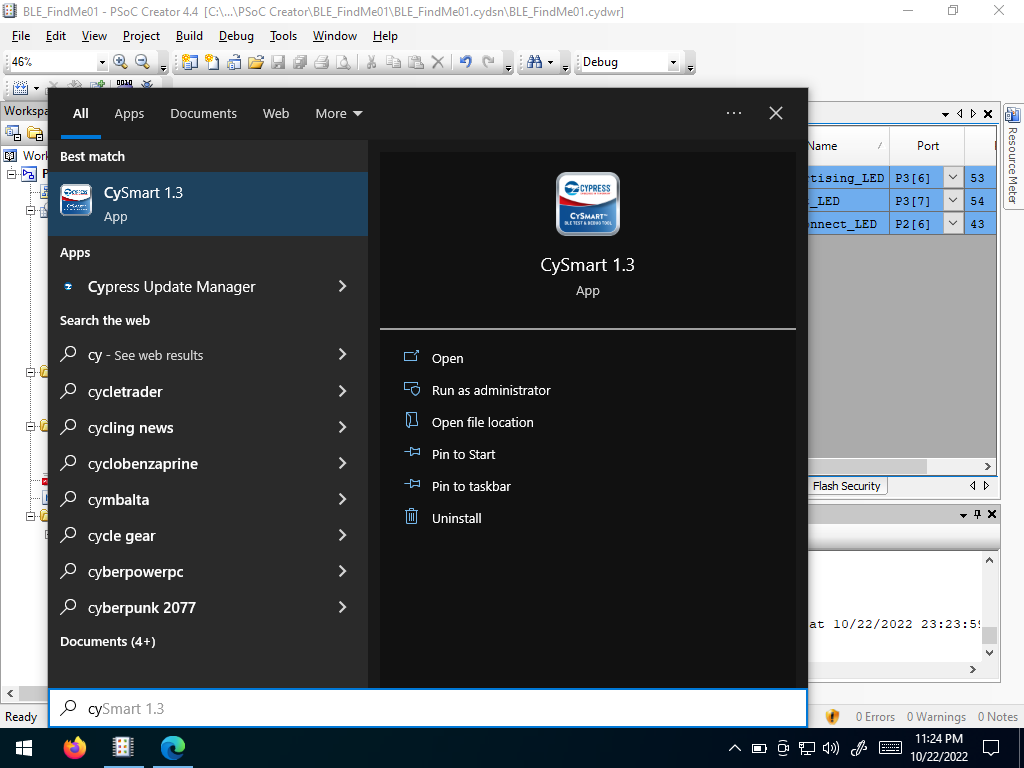 Open CySmart
Plug in the BLE Dongle
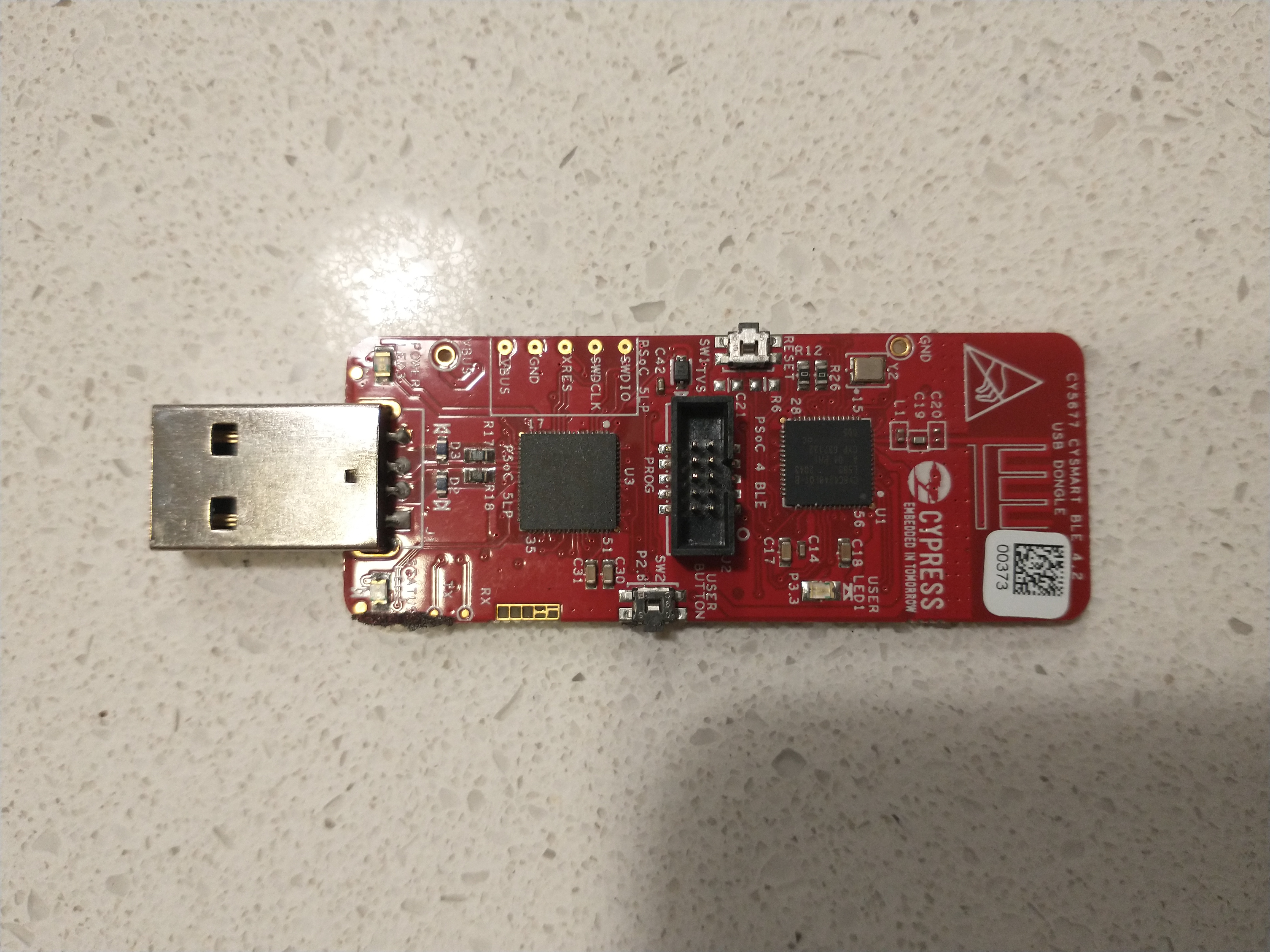 BLE Dongle
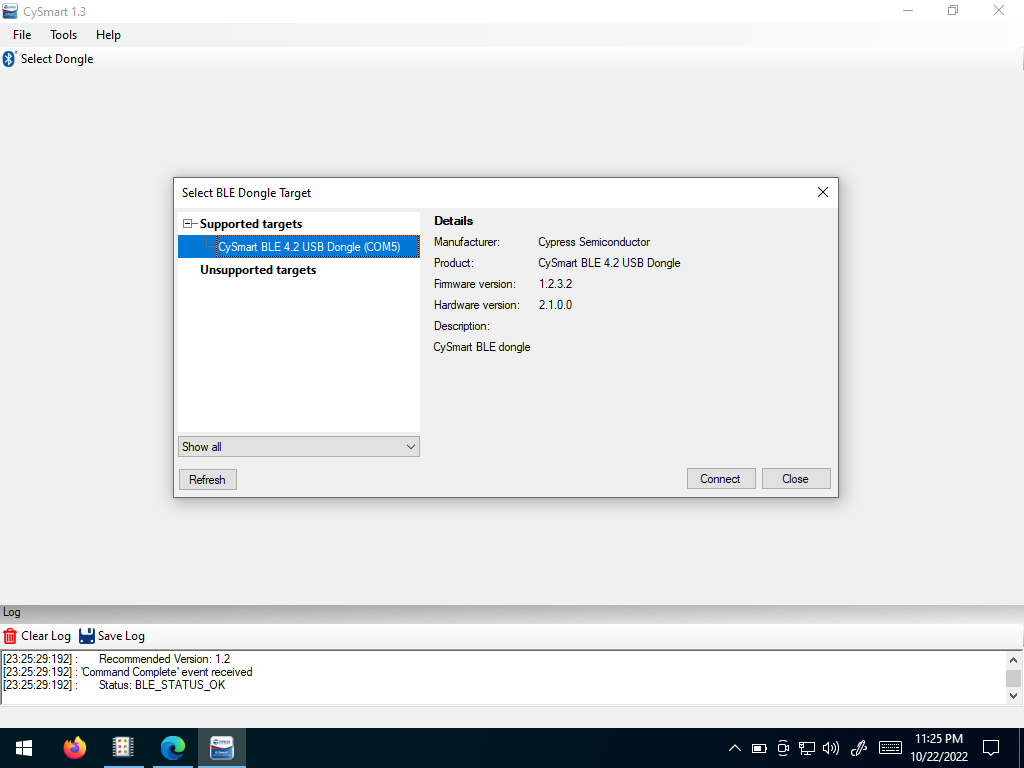 Select the CySmart BLE Dongle
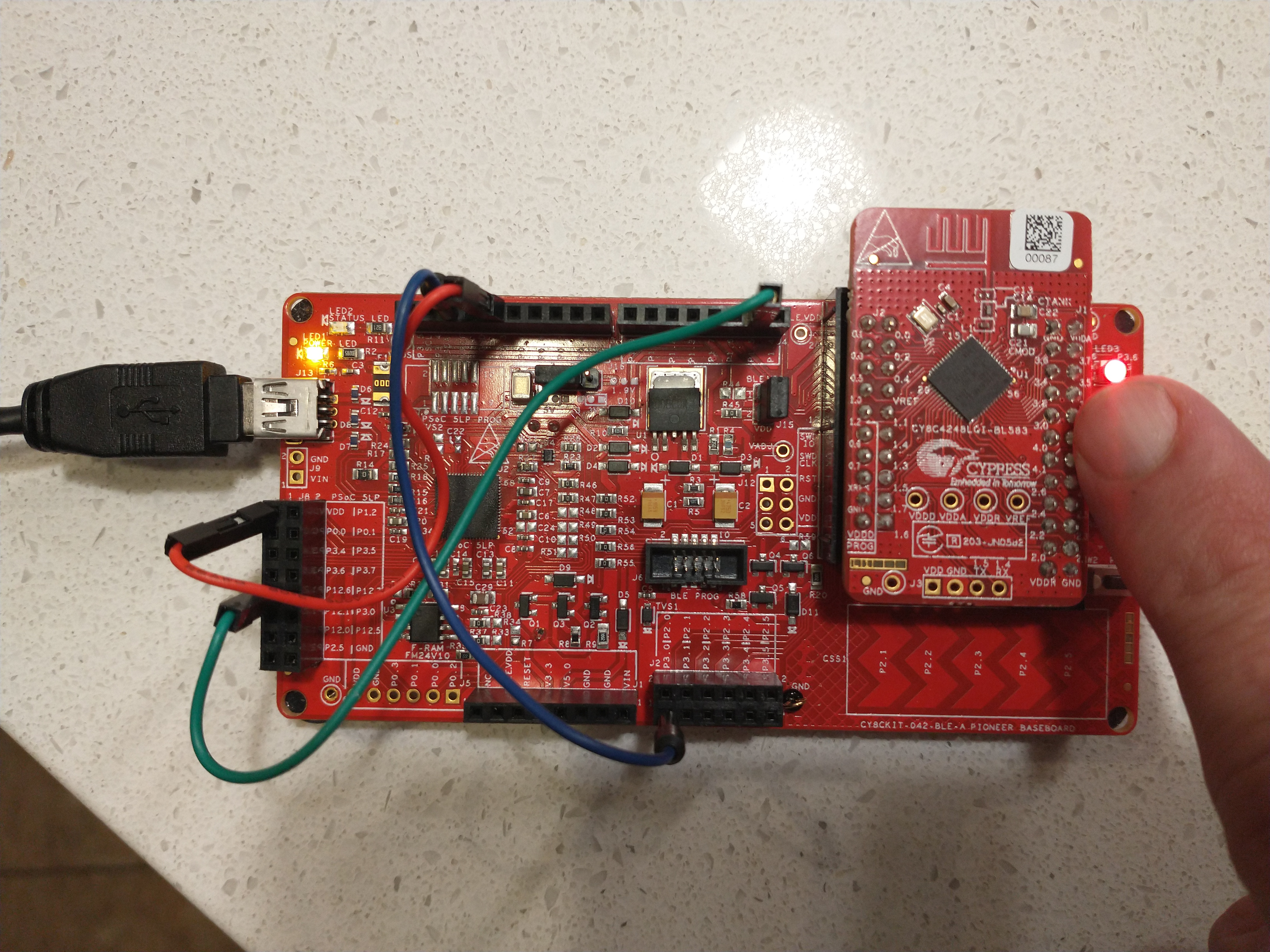 Press the Reset Button
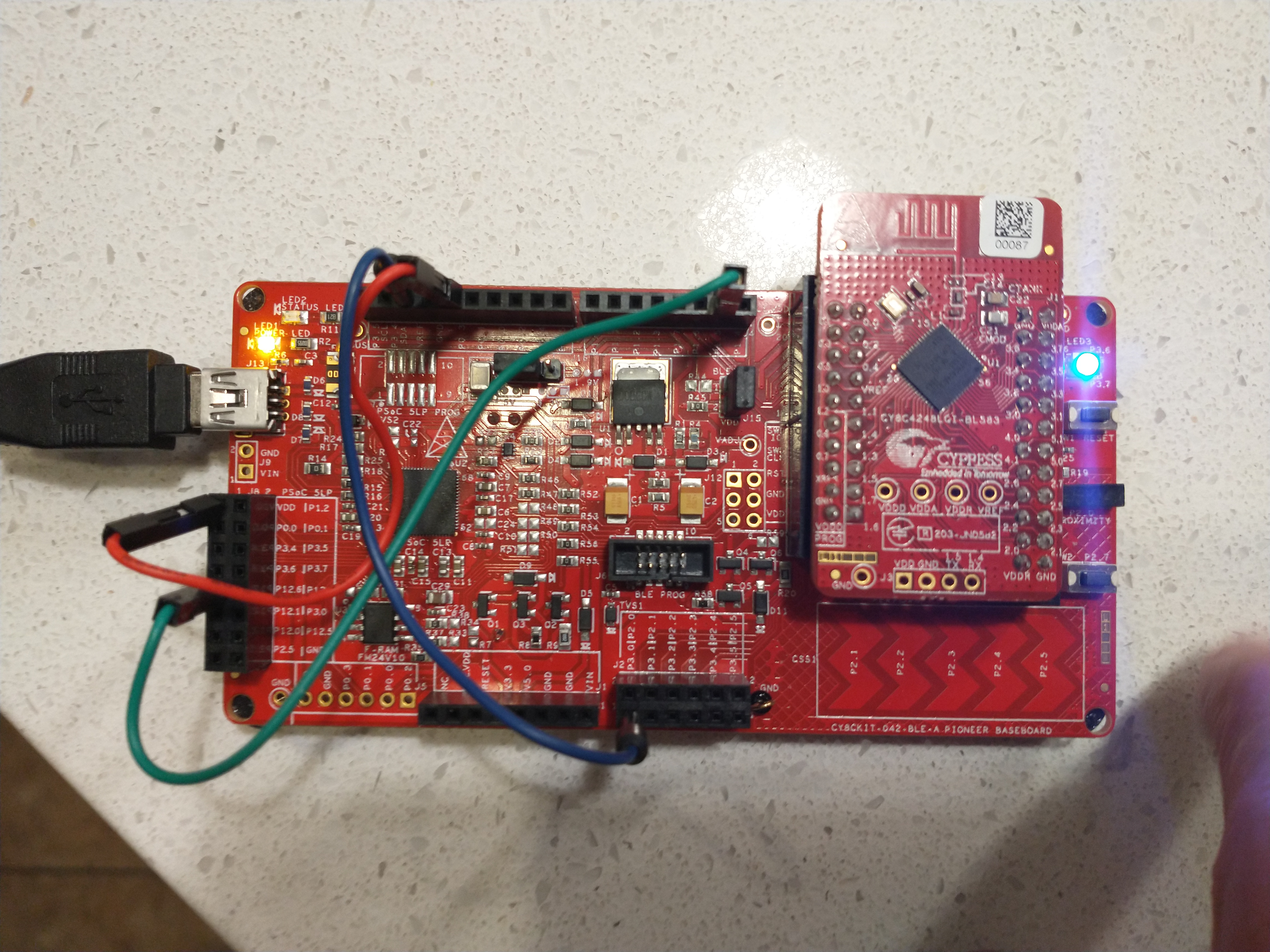 The LED will rapidly flash blue
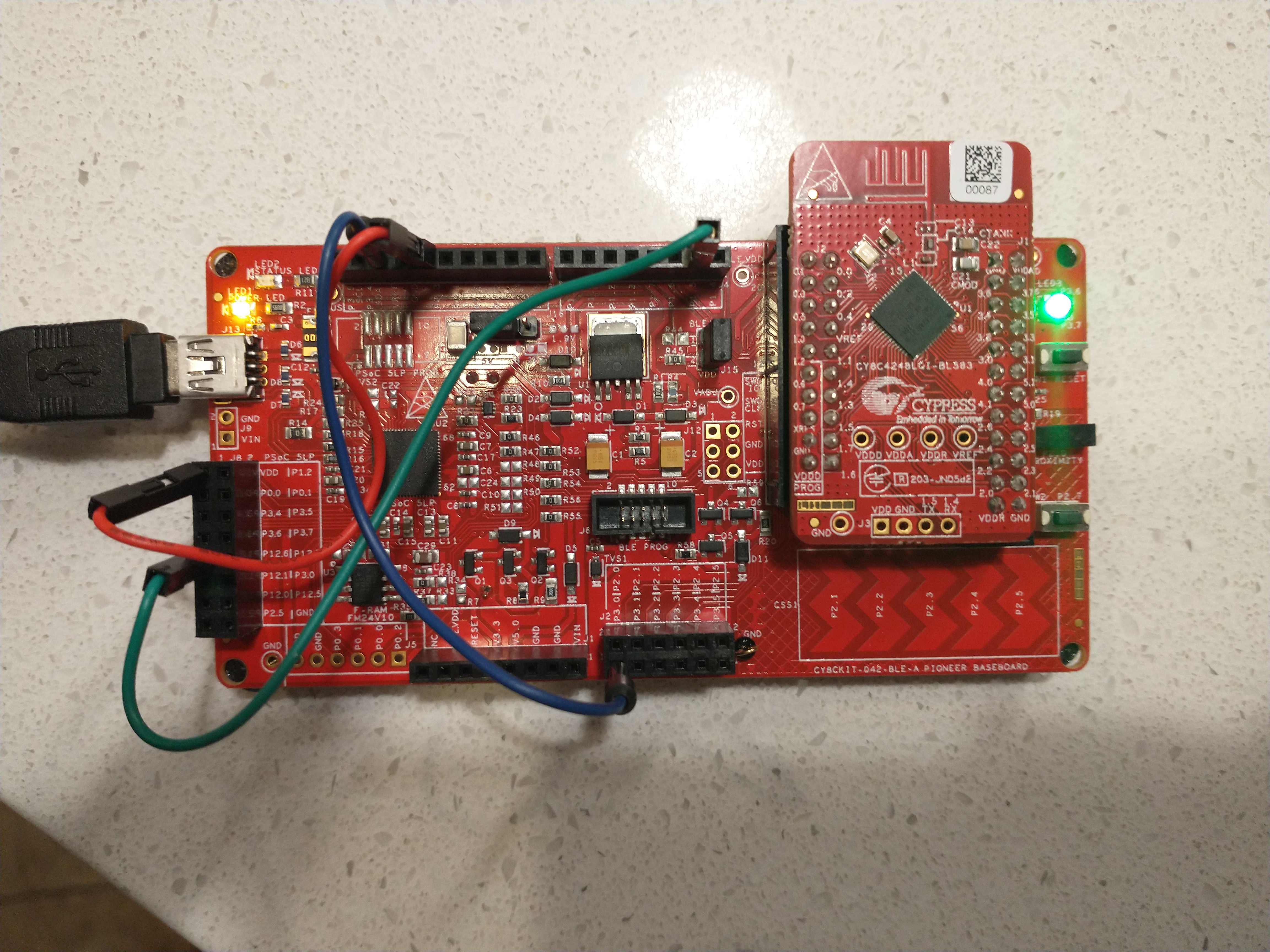 The LED will remain on green
Select “Start Scan”
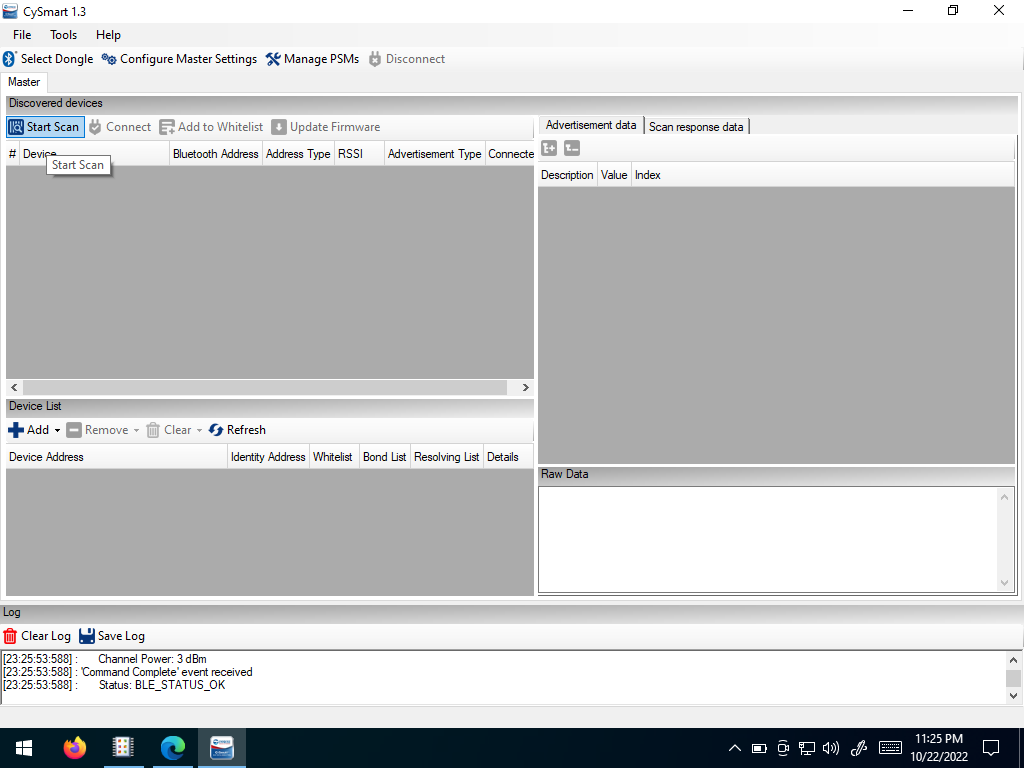 Select Start Scan
Select the closest “Find Me Target” Item and then click “Connect”
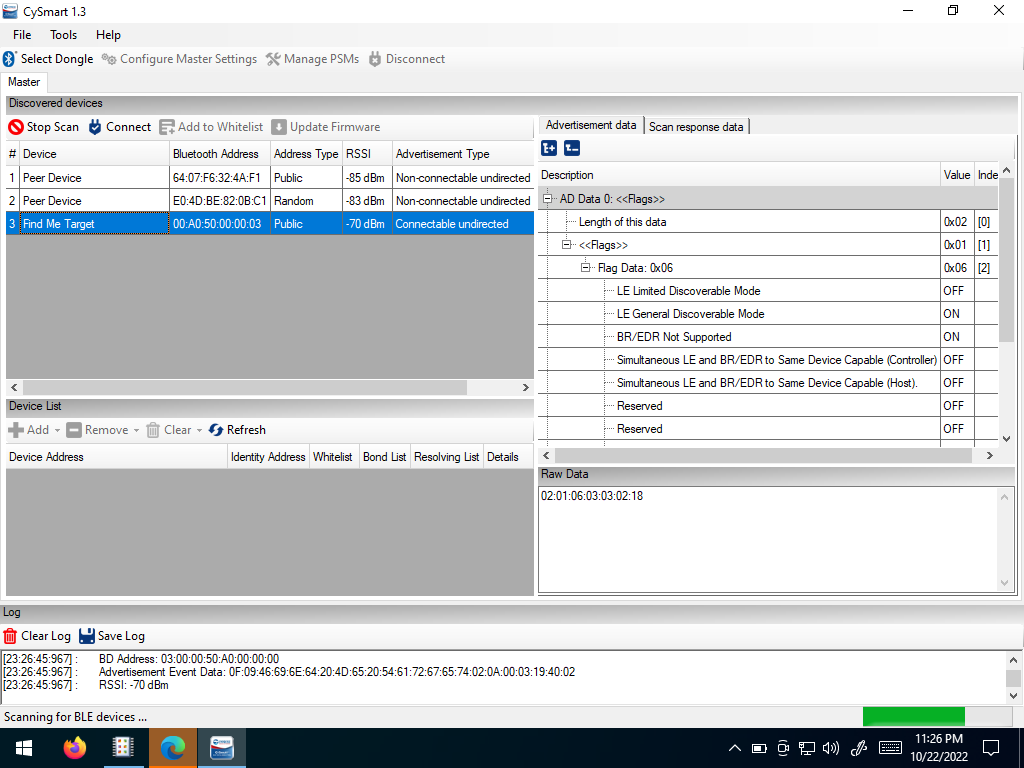 Select the Find Me Target
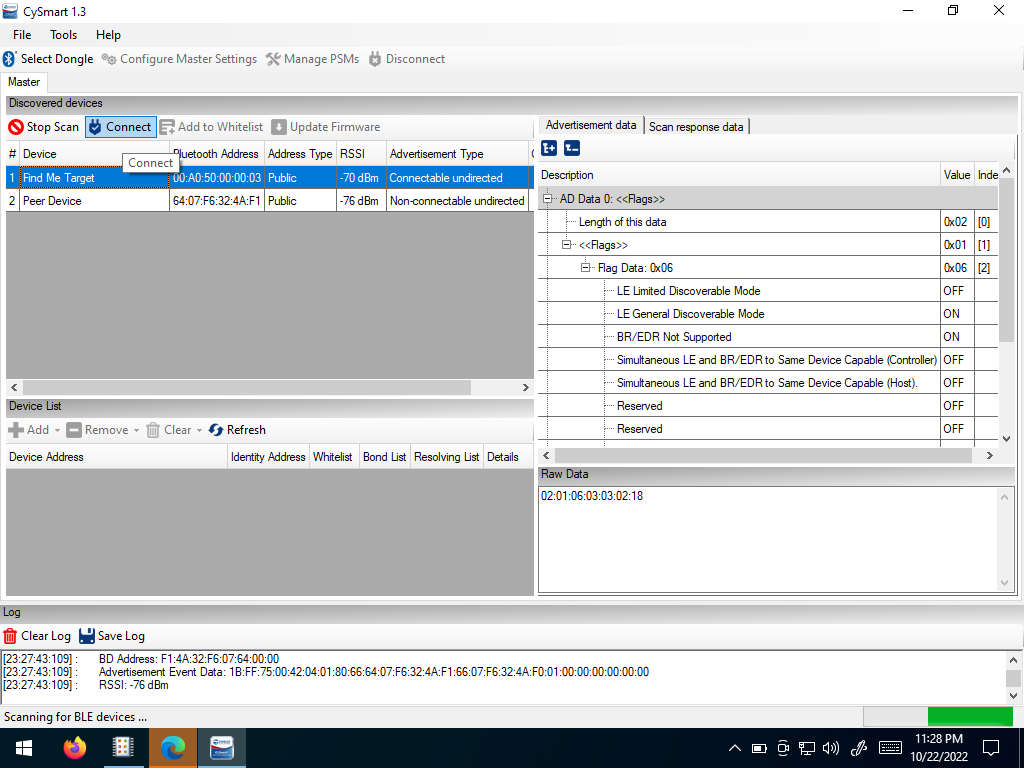 Connect
Select “Discover all Attributes”
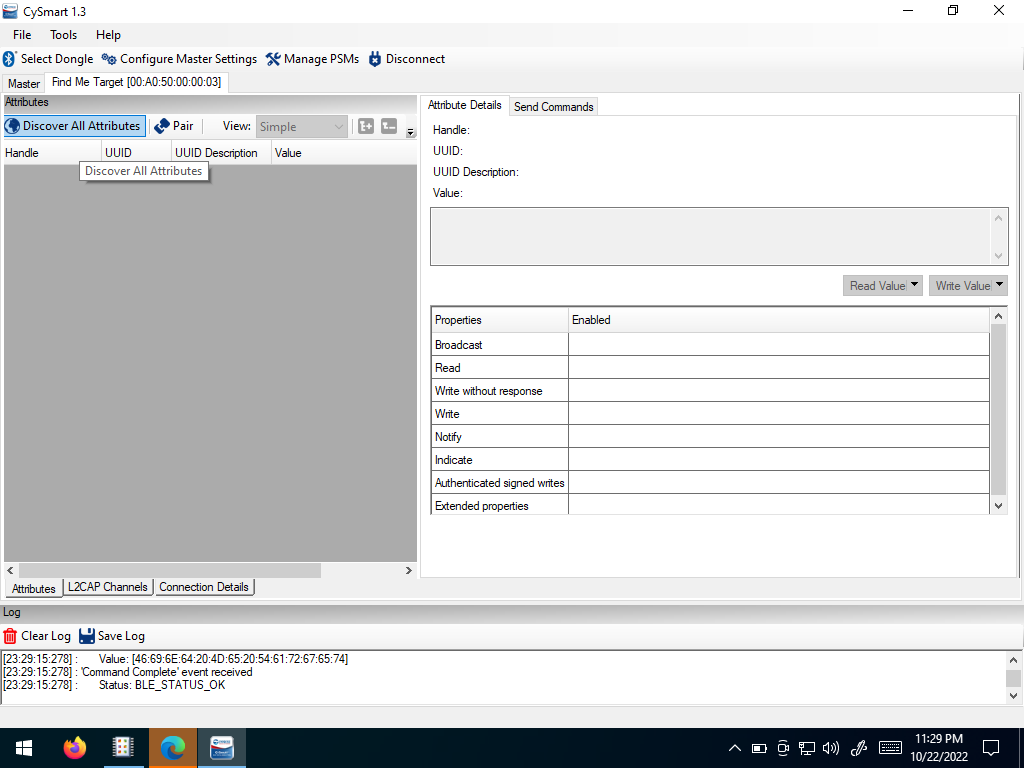 Discover all Attributes
Select “Alert Level”
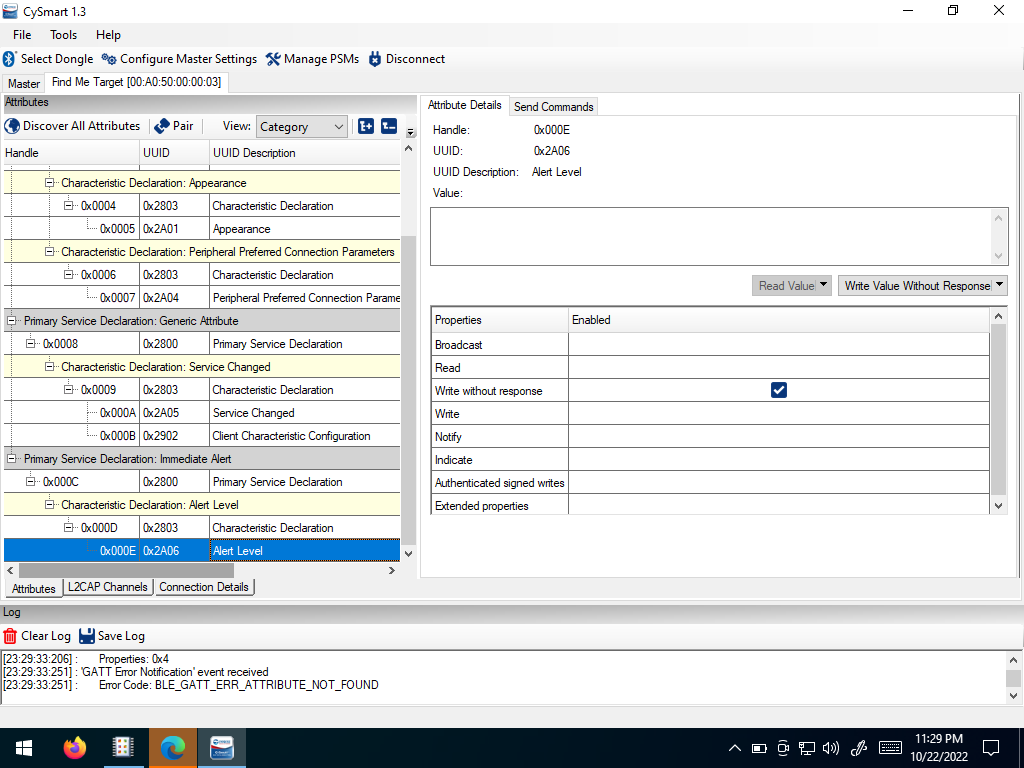 Select Alert Level
Enter 1 into the text box on the right side of the window.
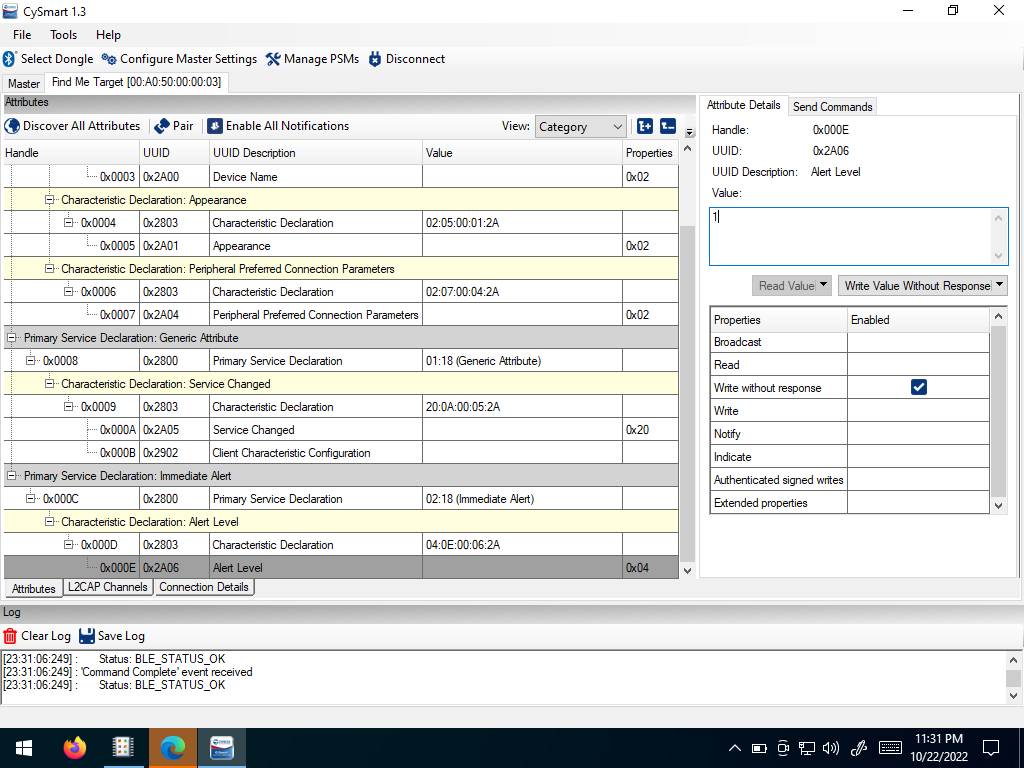 Enter 1
Select “Write Value Without Response”
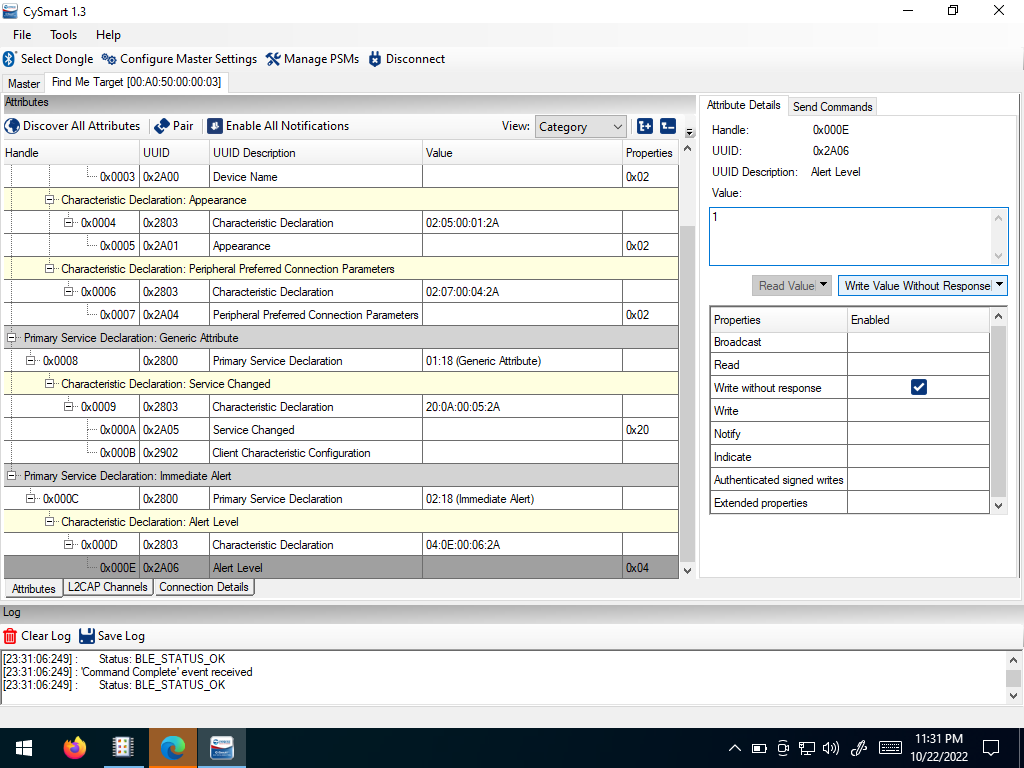 Select Write Value Without Response
Write values of 0, 1, and 2. Observe the difference
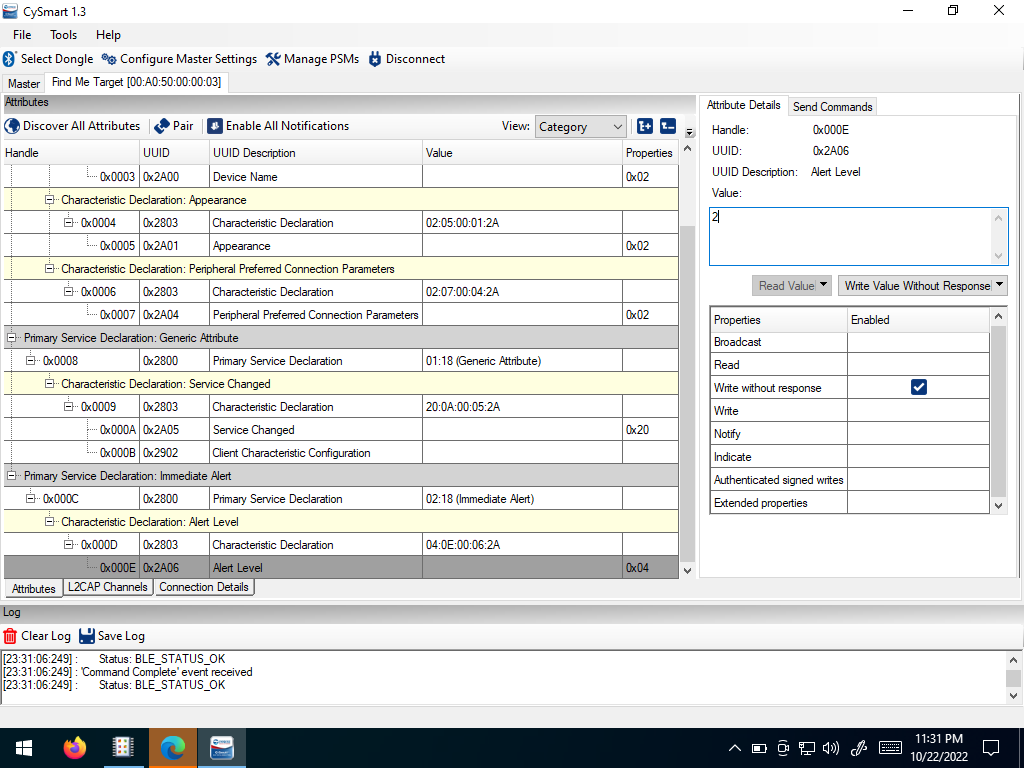 Change Values and rewrite
Disconnect from the BLE device
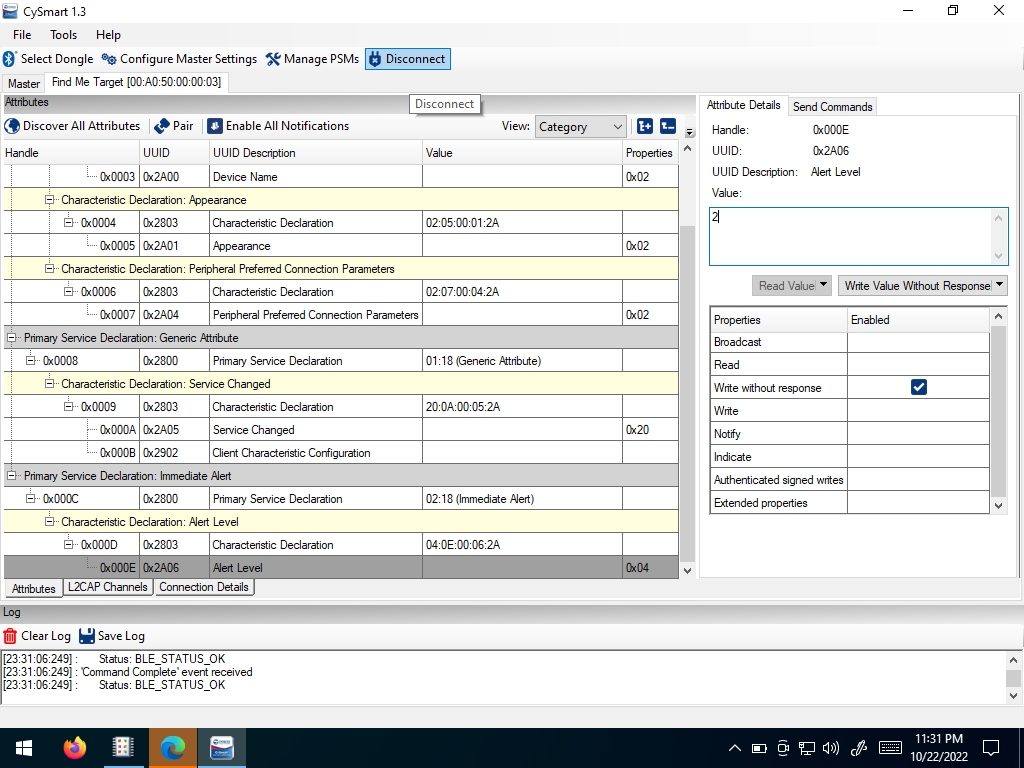 Disconnect
Phone App
Open the LightBlue App in your phone
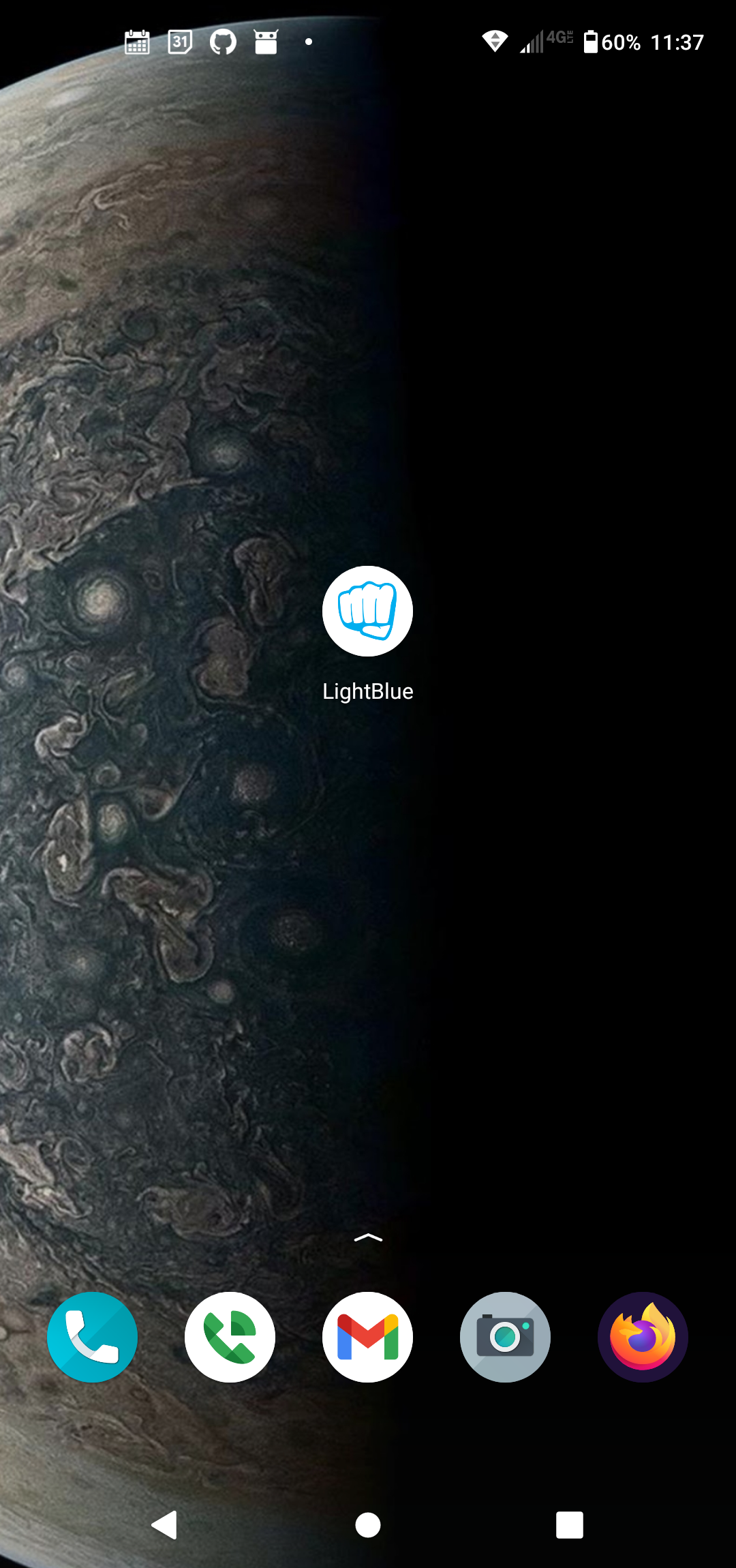 Select the LightBlue AppPress the Reset ButtonThe LED will rapidly flash blueThe LED will remain on green
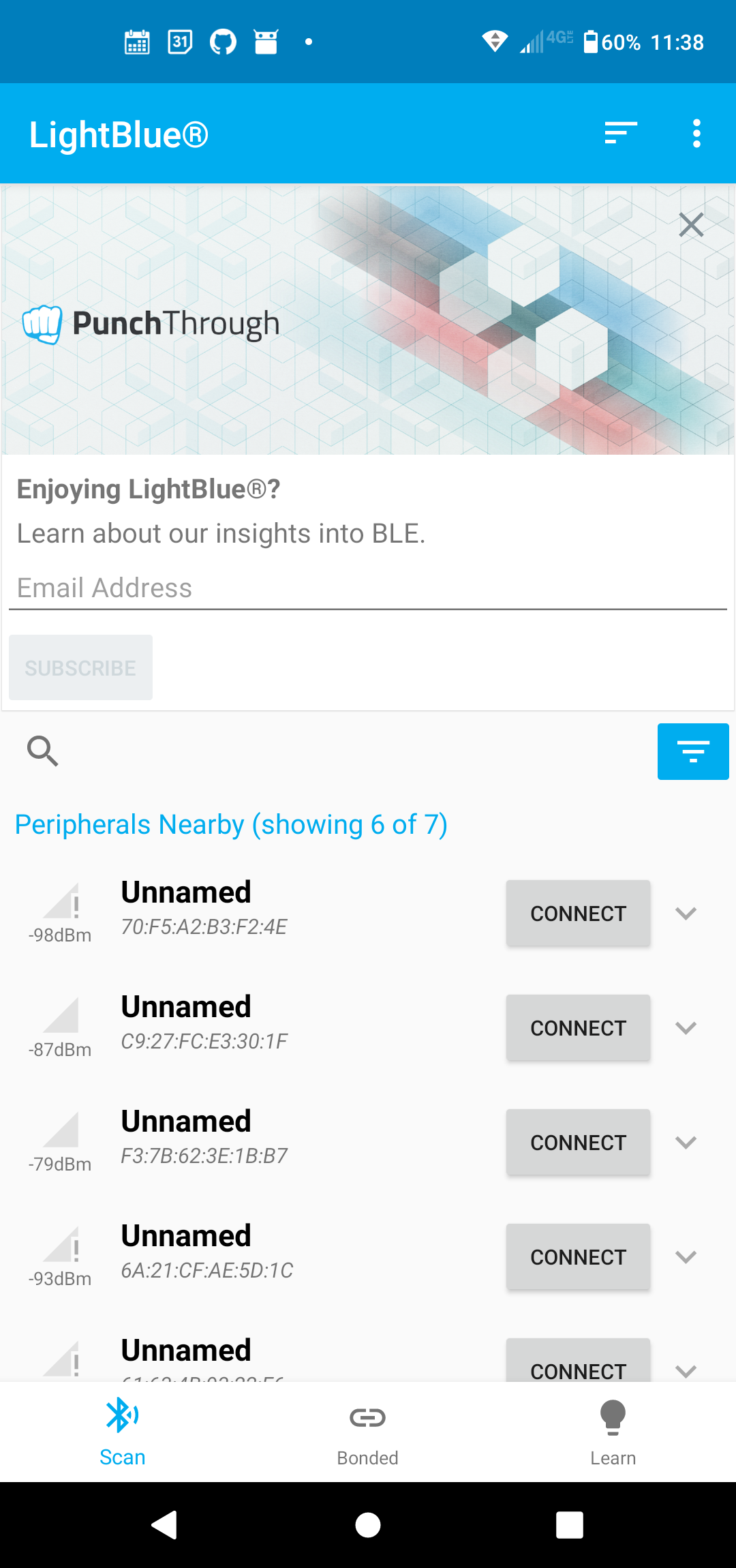 Select the Filter
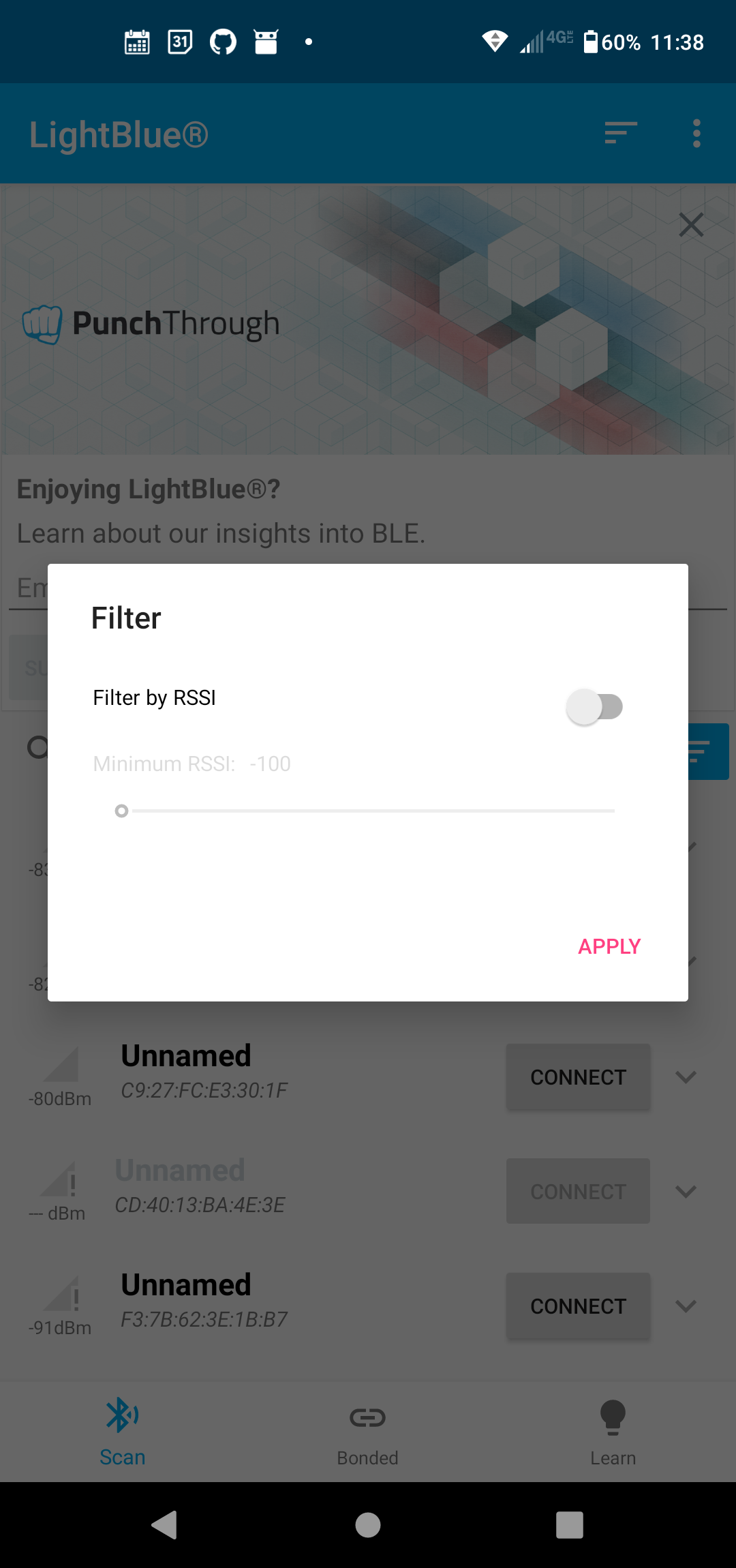 |
|---|
Filter |
Select “Filter By RSSI” to identify nearby bluetooth devices
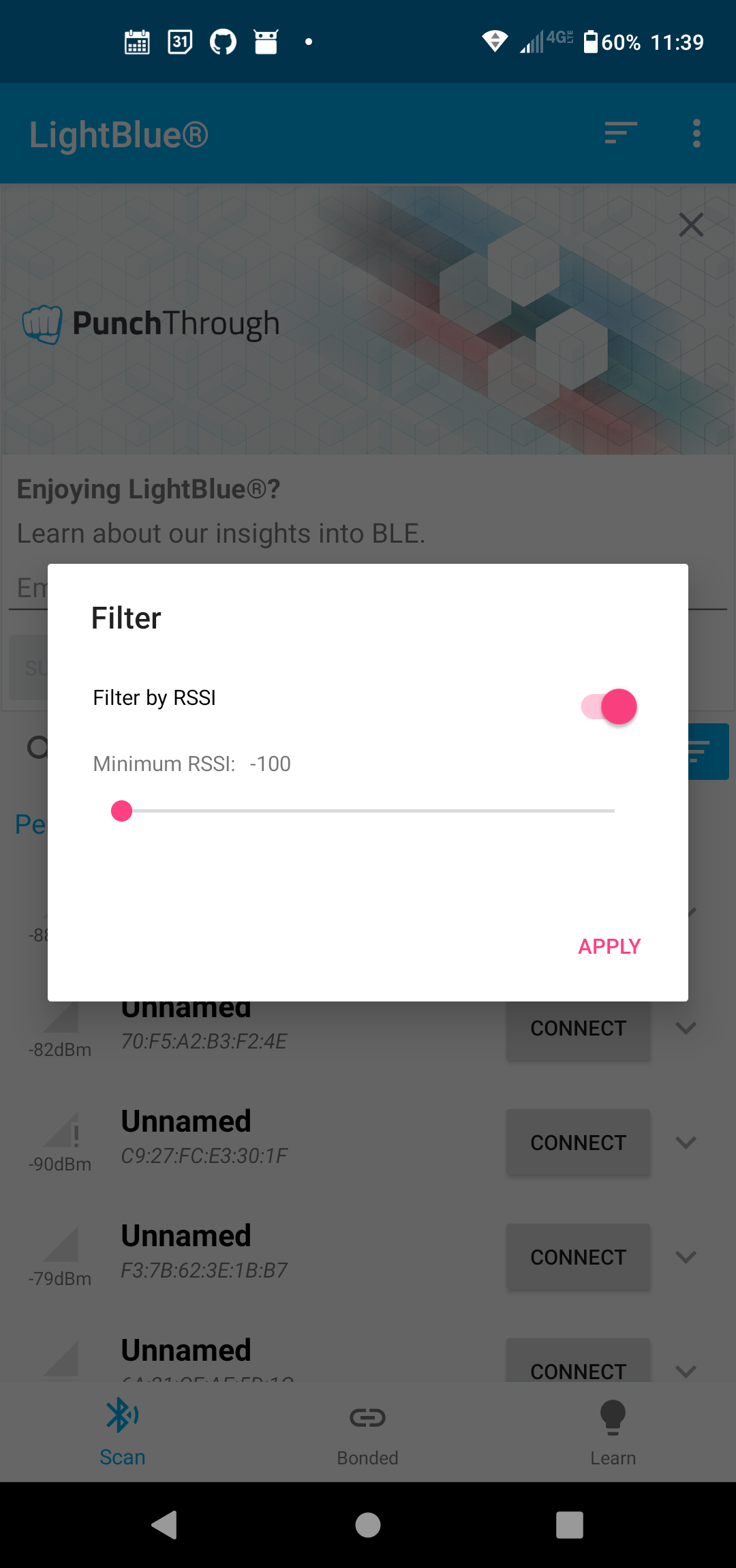 |
|---|
Select Filter By RSSI |
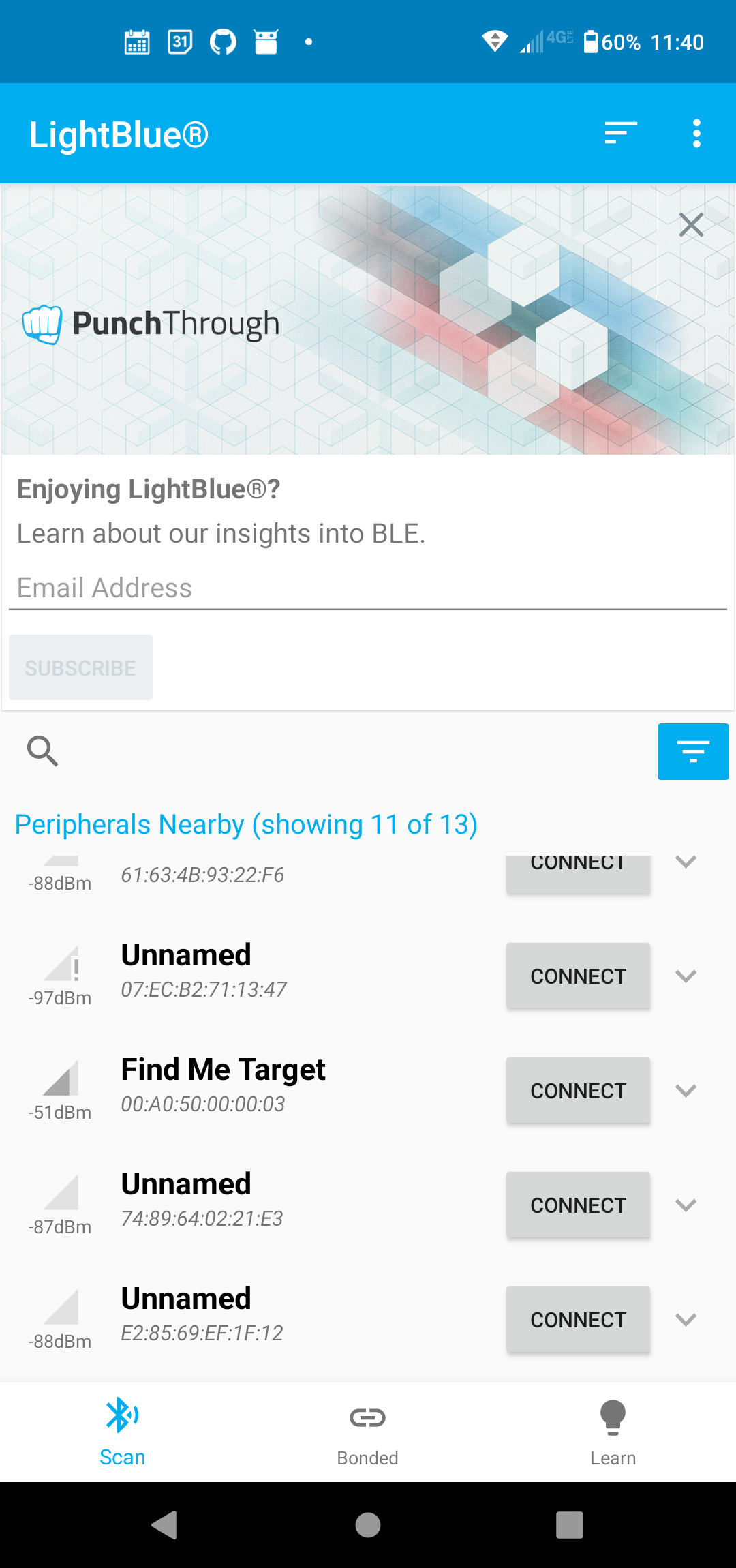
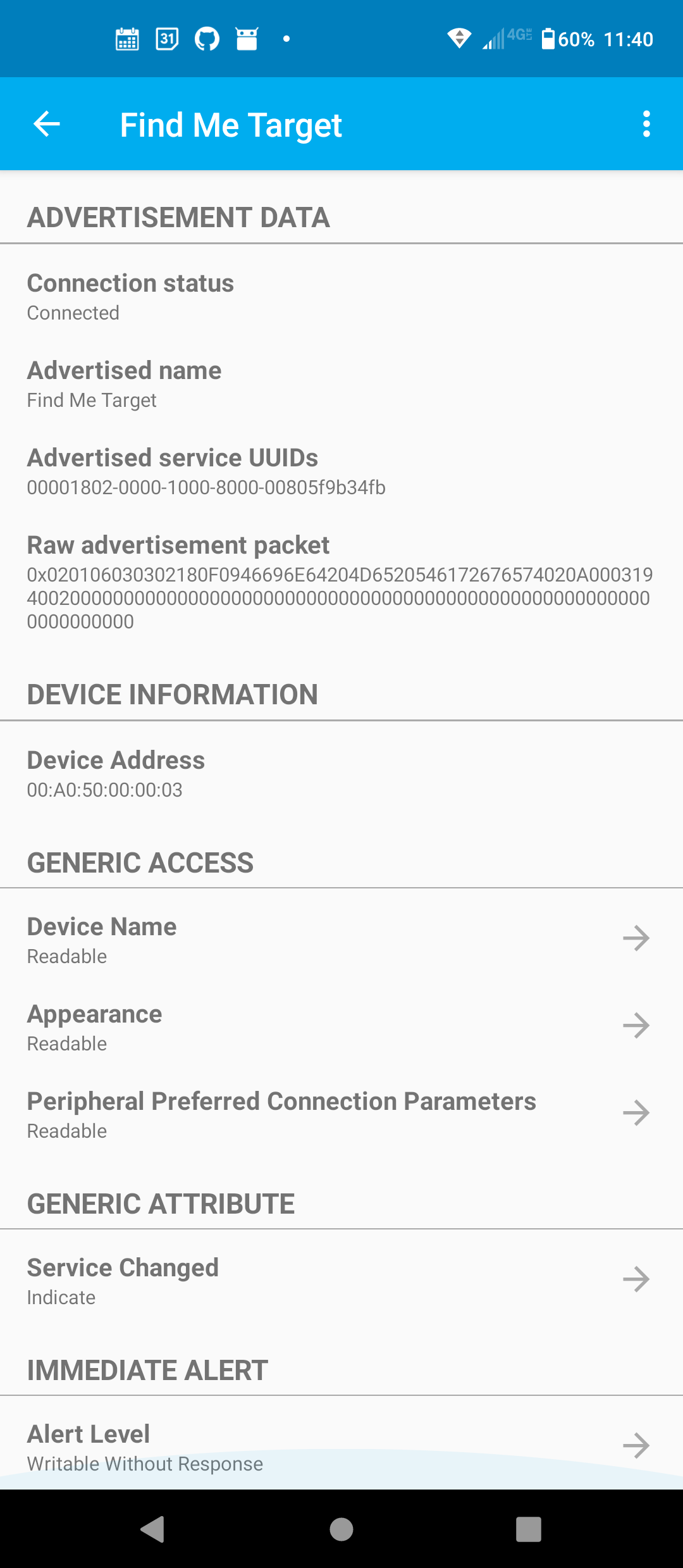
Select “connect” next to the “Find me Target” device with the strongest signal. The device screen will open
 |
|---|
Find Me Target |
 |
|---|
Device Screen |
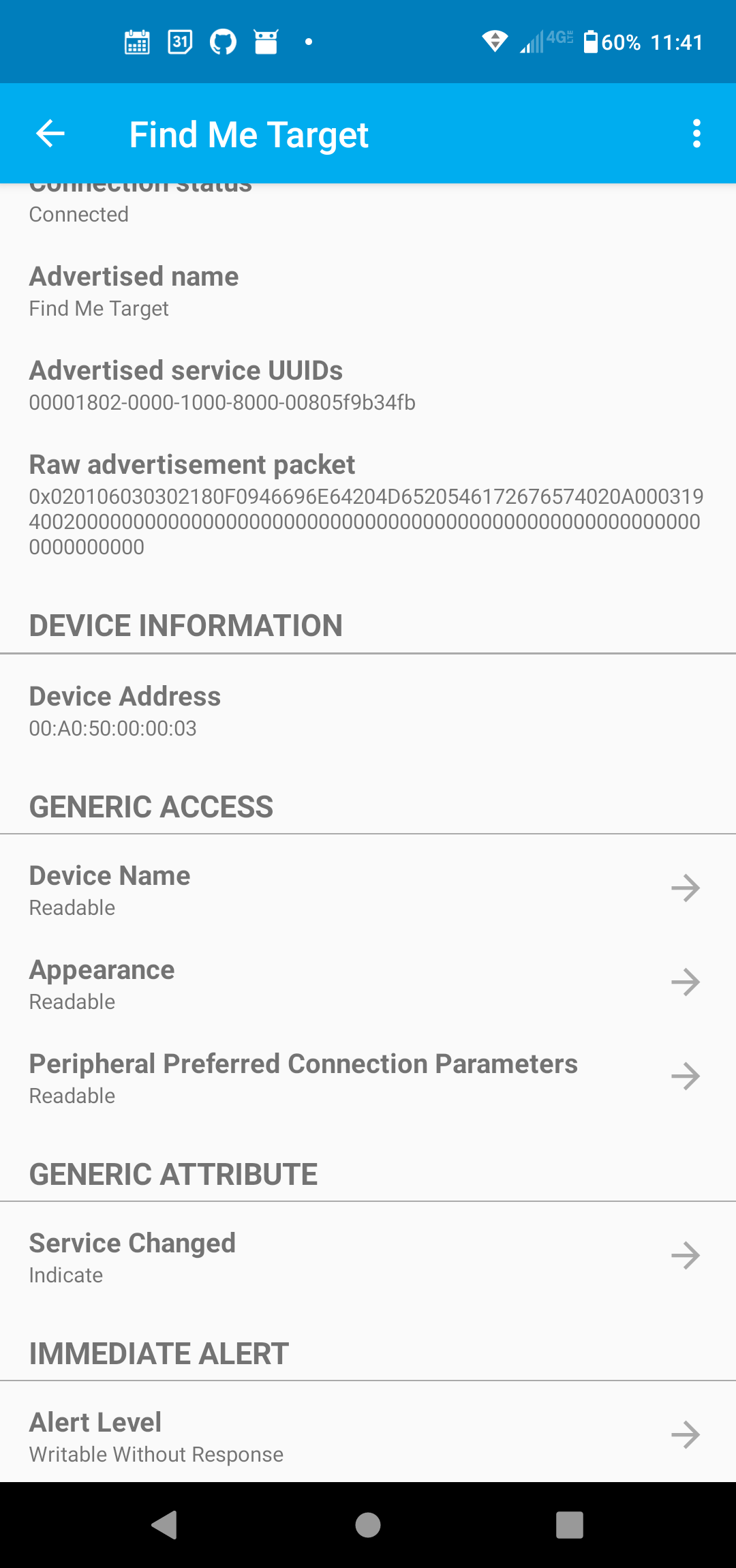
Scroll down to “Alert Level”
 |
|---|
Scroll down |
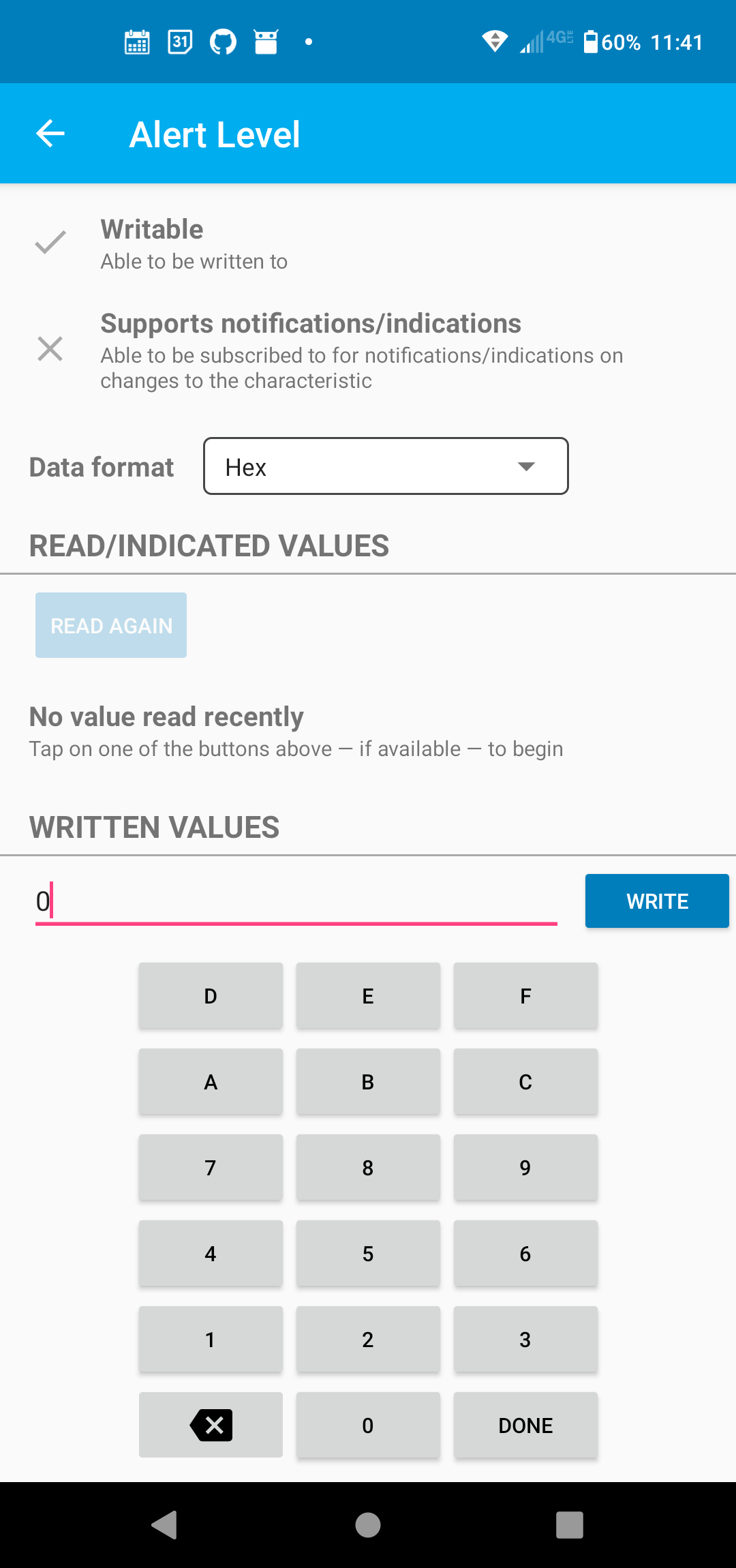
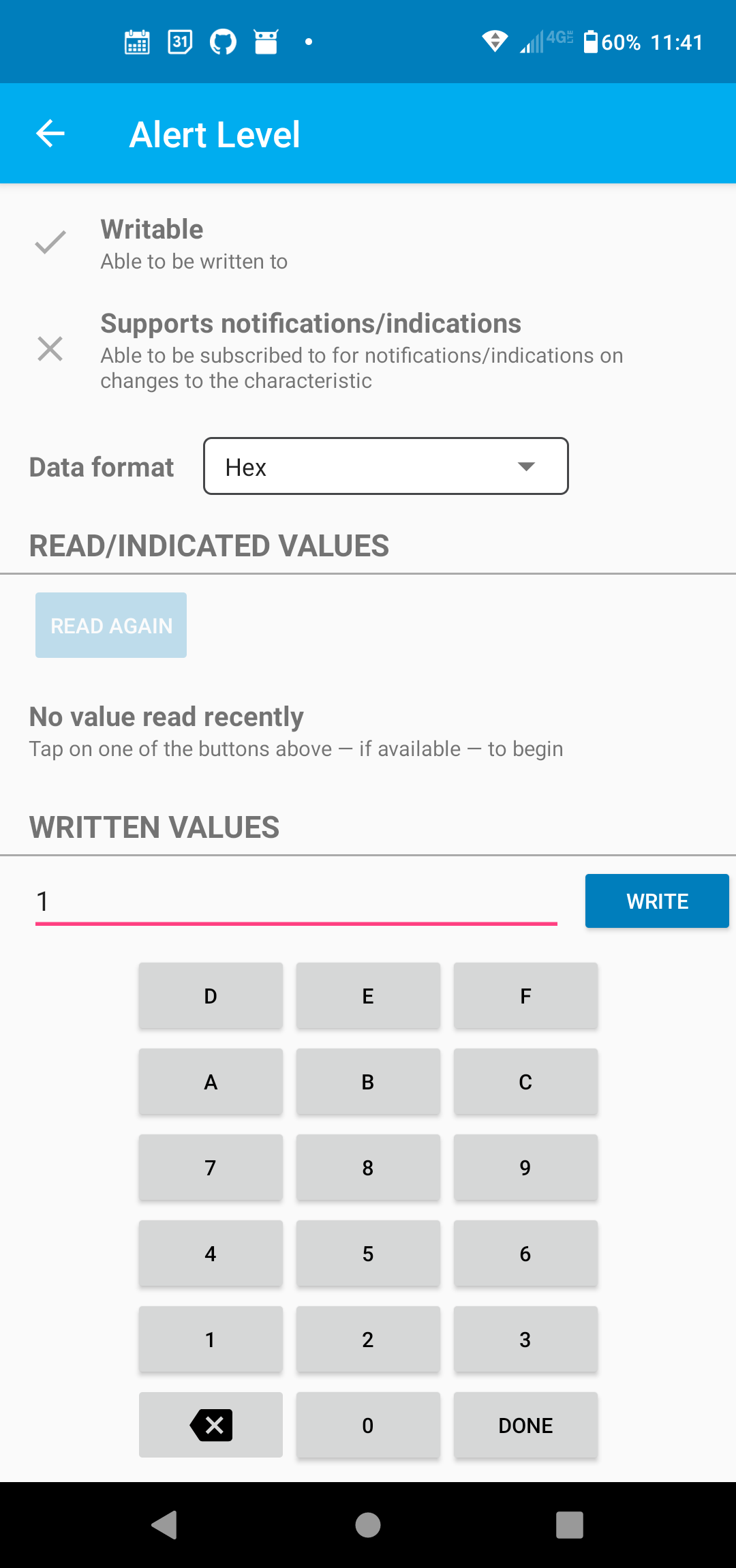
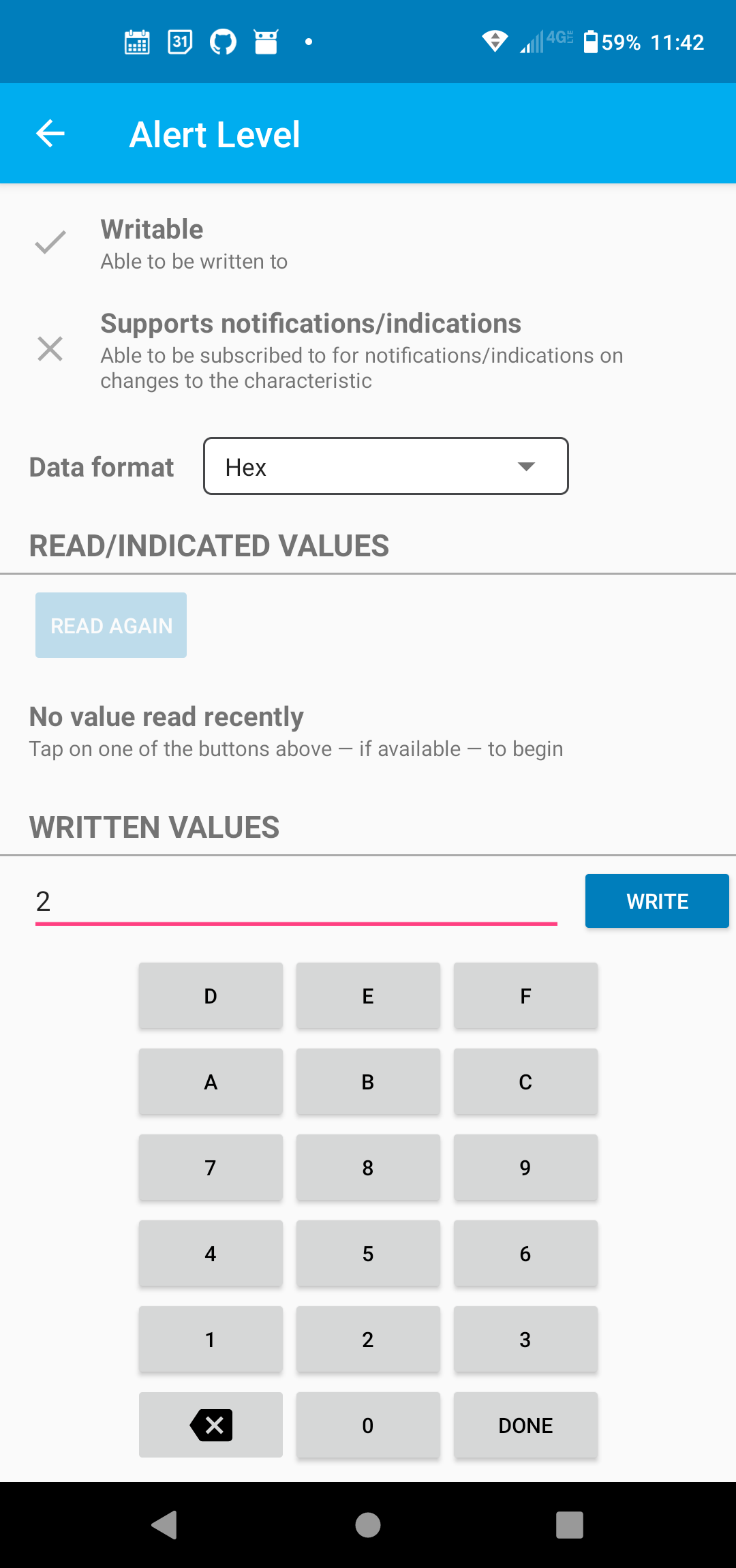
On the “Alert Level” screen, write values of 0, 1, and 2. Observe the difference
 |
|---|
Write Value 0 |
 |
|---|
Write Value 1 |
 |
|---|
Write Value 2 |