Make a Project Repository and Website
Introduction
The purpose of this post is to help you create a website to share your work. Sharing your work with the class and the broader community is important, as you should generate a persistent portfolio of class work to demonstrate your abilities when you apply for a job or academic career.
We will be using github to host and share websites this year. This is for a couple reasons:
- Hosting websites on github is free.
- Git is iterative. As your project evolves we can see how it has changed
- Editing content is easy, using either the web interface or windows-based clients.
We have another tutorial for forking an existing repository which uses mkdocs.
Procedure
Go to Github.com
Create an account under the free plan
Verify your email
Create a new public repository
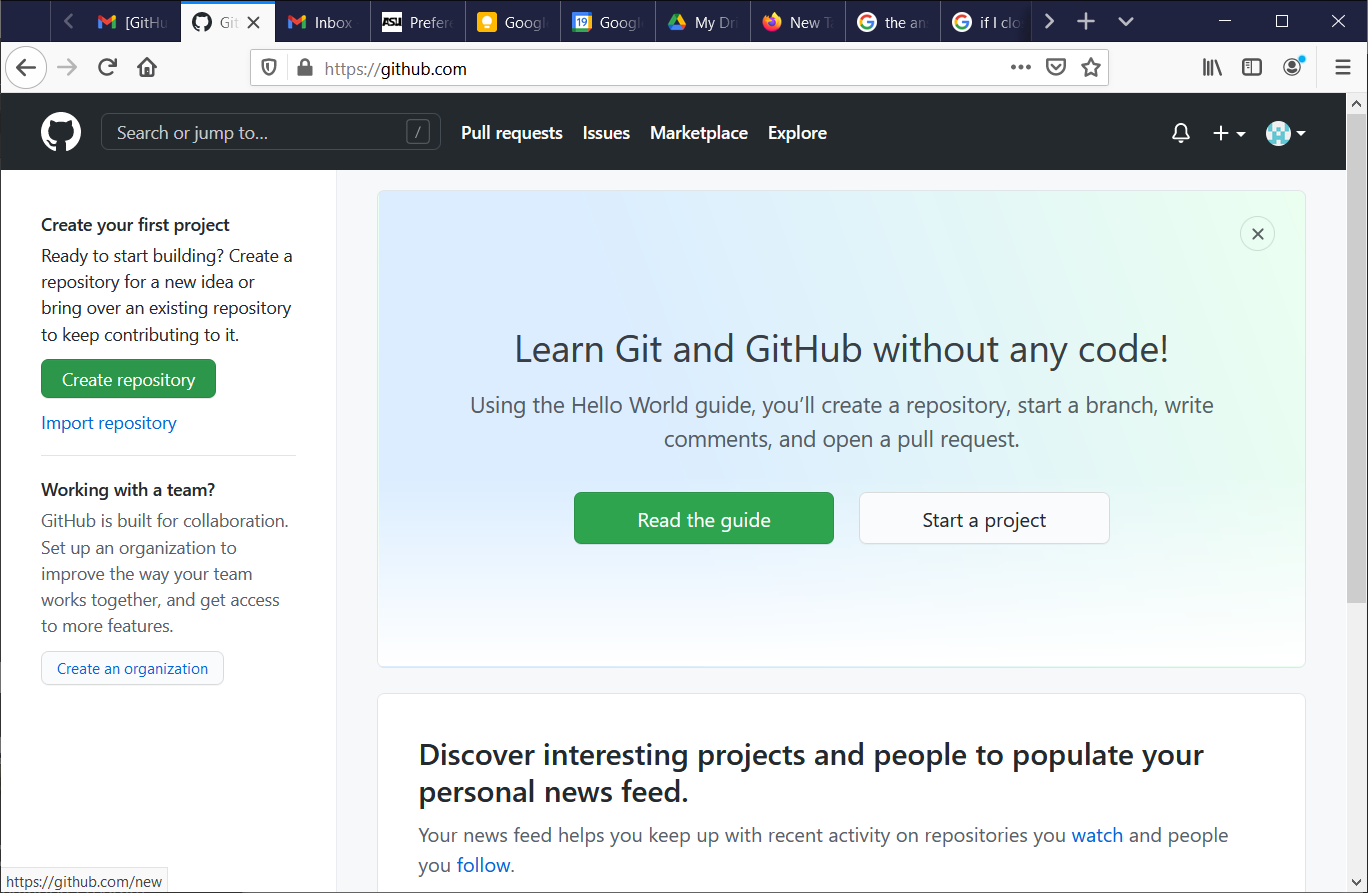 01
01name it your-user-name.github.io (ex: danaukestest01.github.io)
keep other options blank for now.
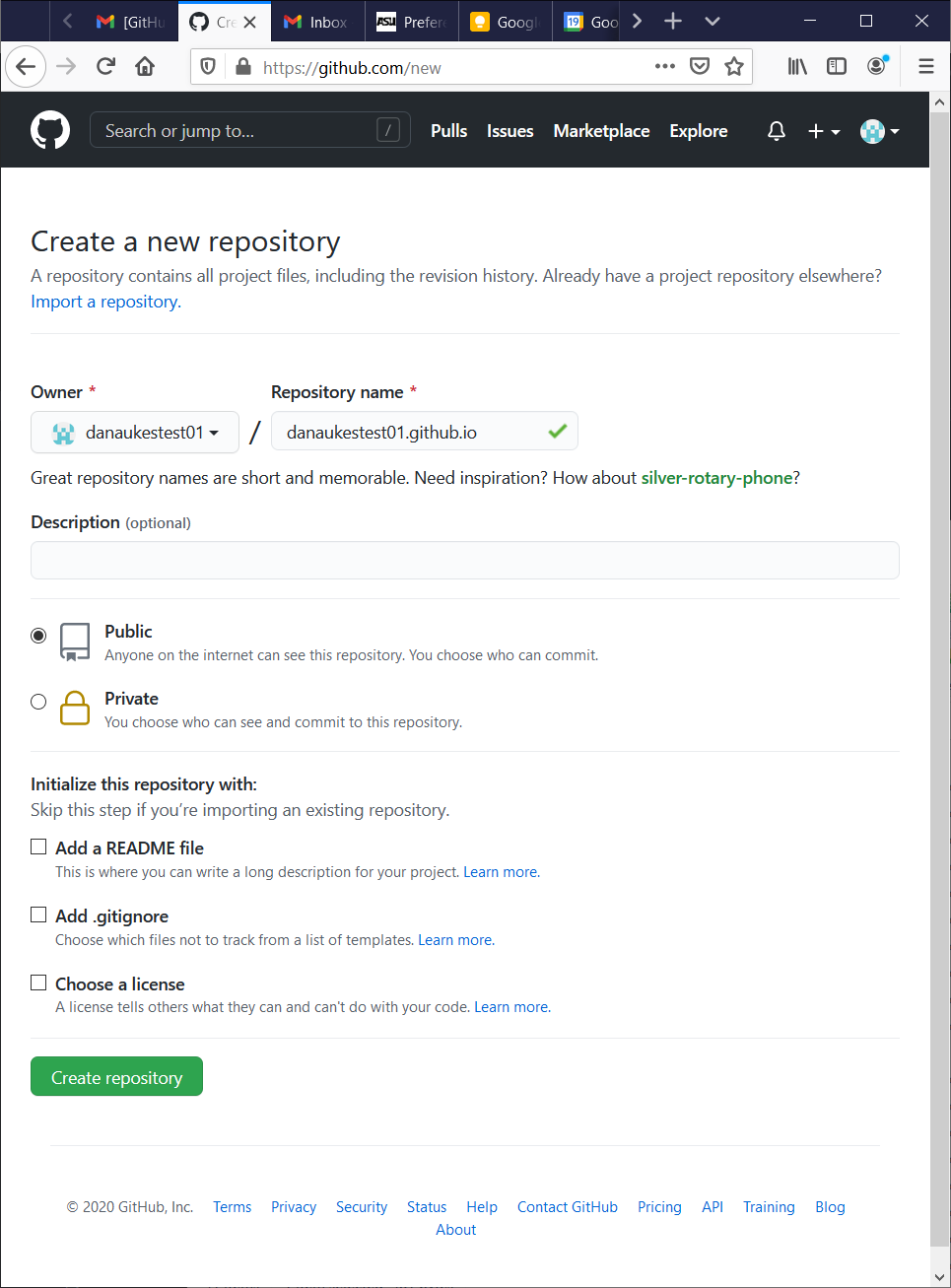 02
02
Select the link to create a new file.
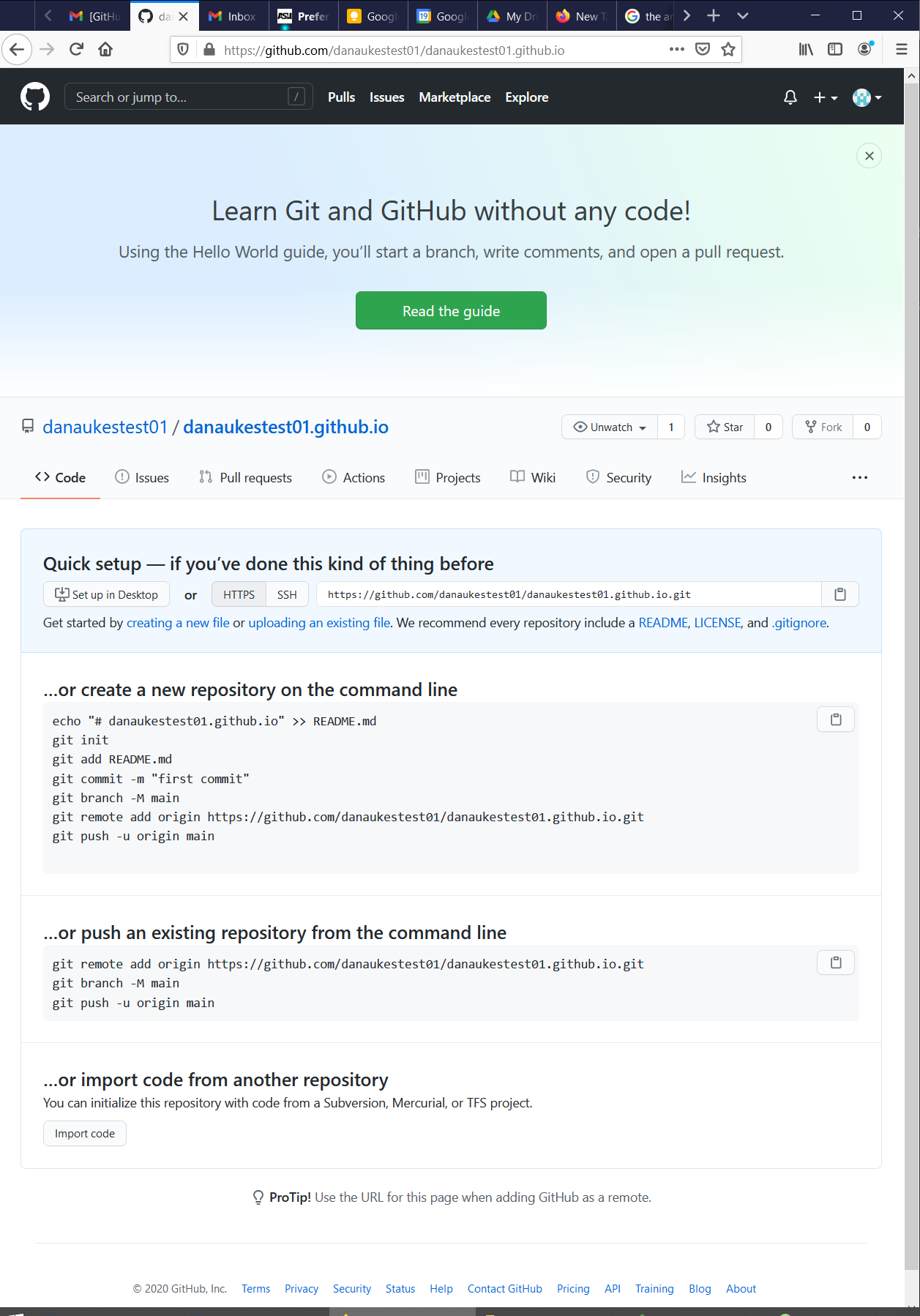 03
03Name it index.md
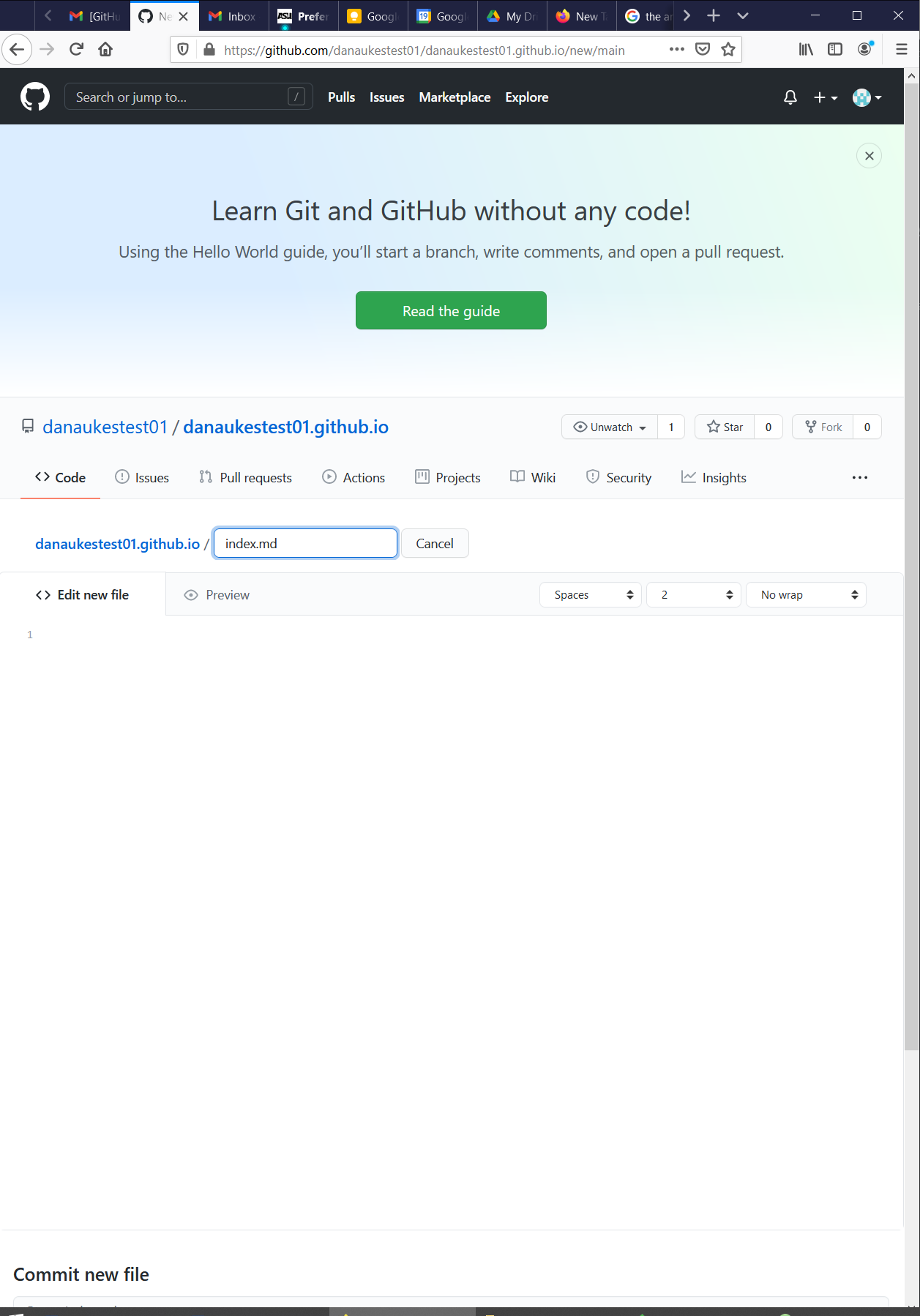 04
04Paste in the following code and hit commit
--- title: Home --- # Home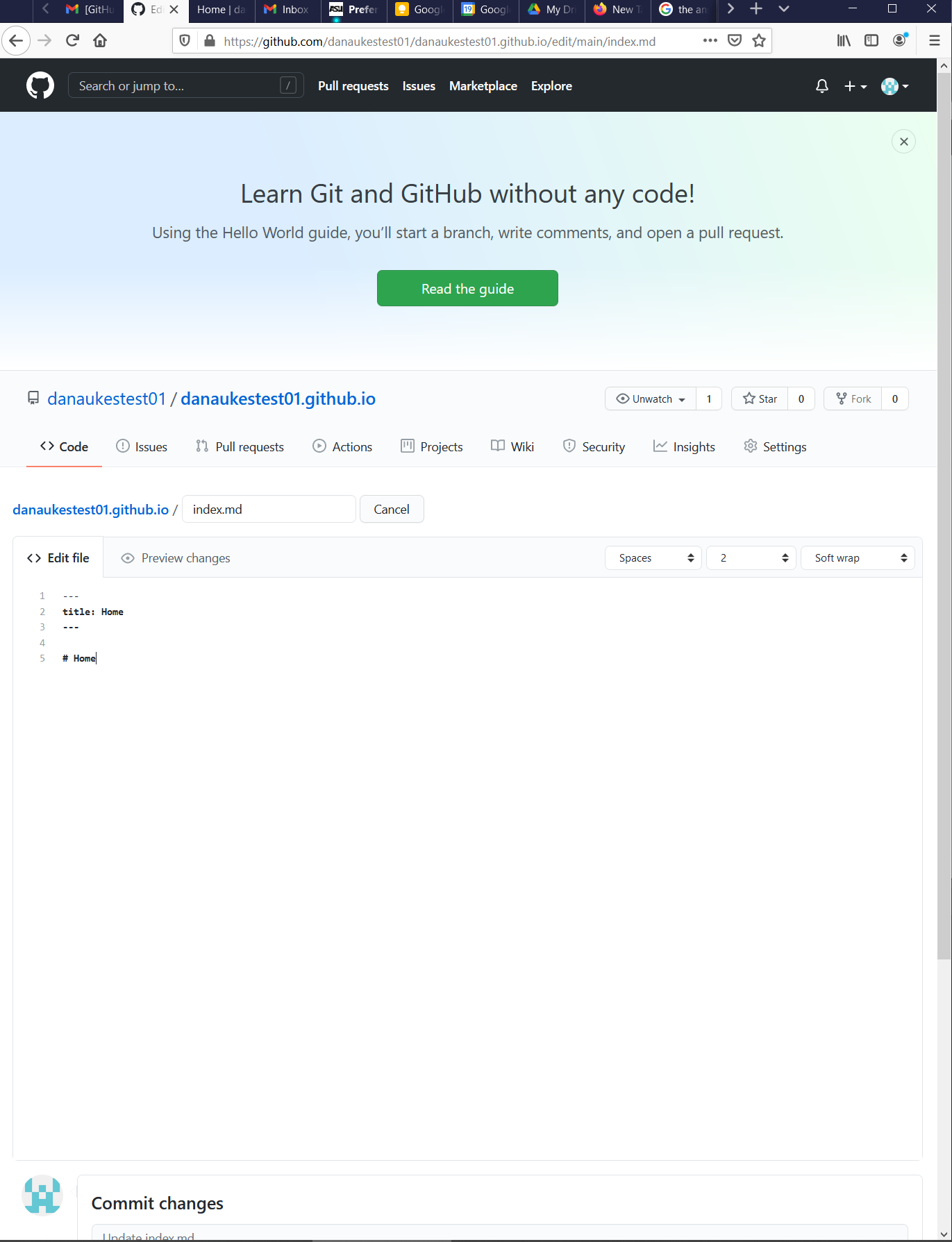 05
05
In the main repository, go to settings and scroll down the main settings page.
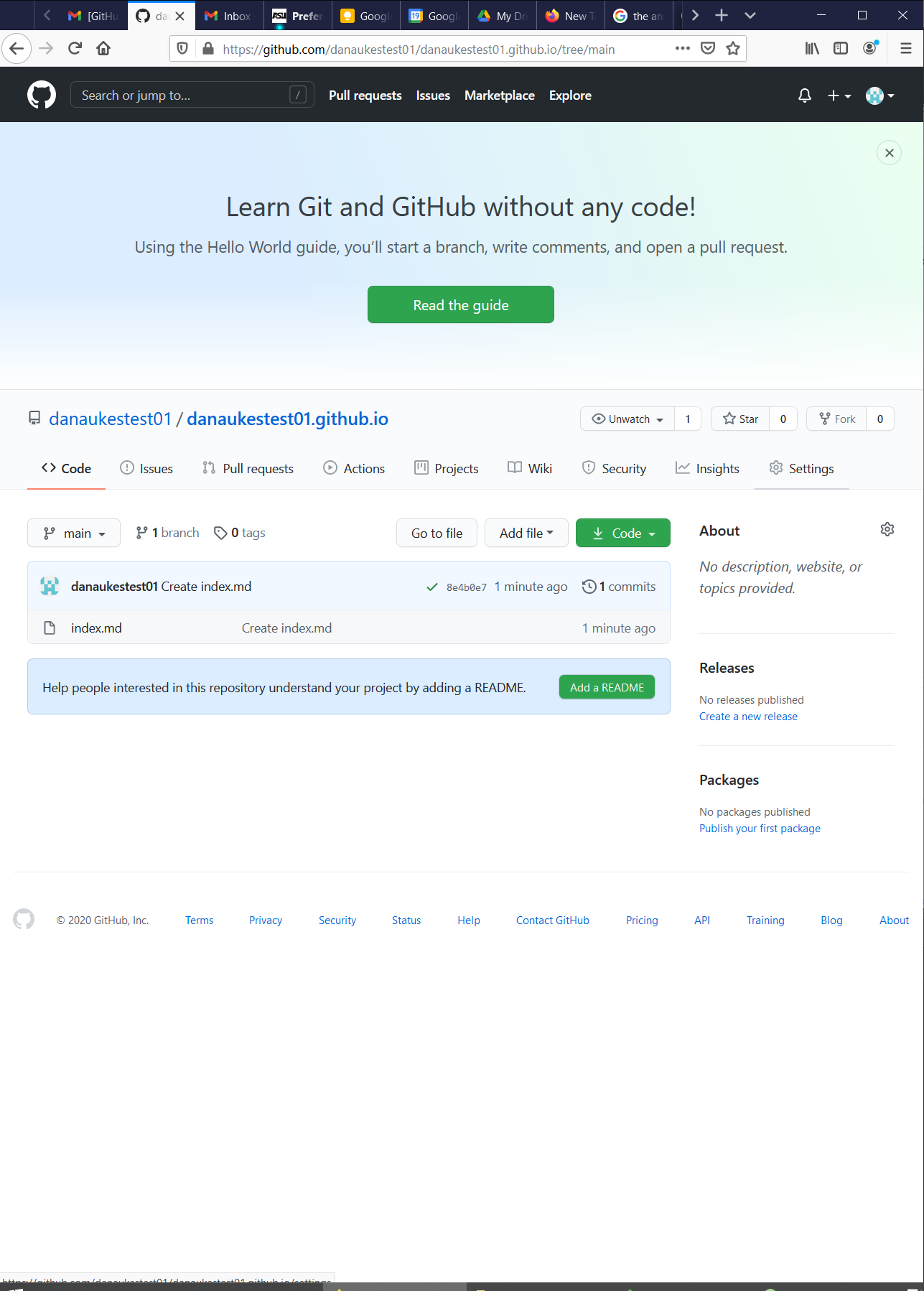 07
07Ensure that your site is published.
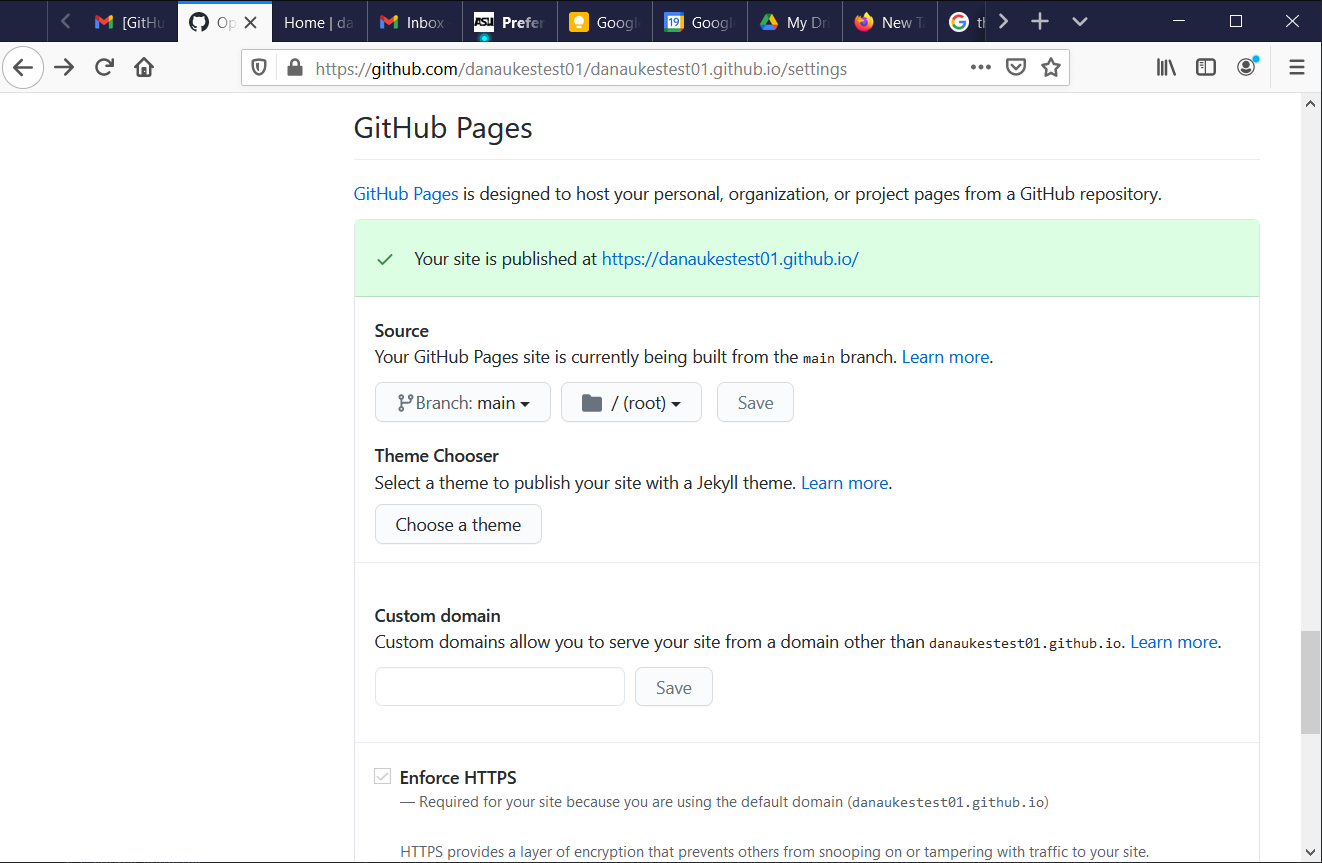 08
08Navigate to the linked page (your-user-name.github.io) and check out the results
Now navigate back to the main repository
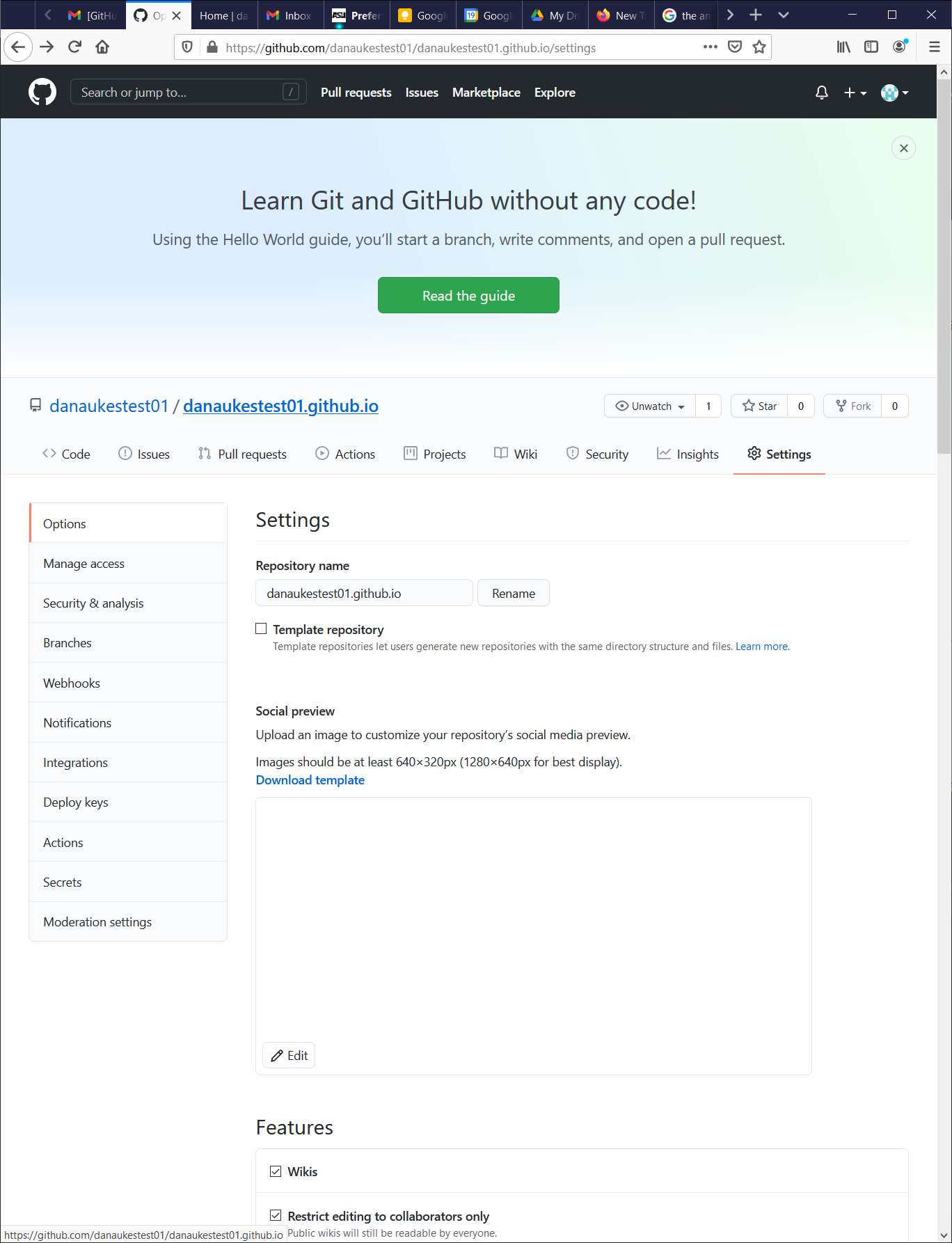 10
10
Replace the text in index.md with the following code and hit save:
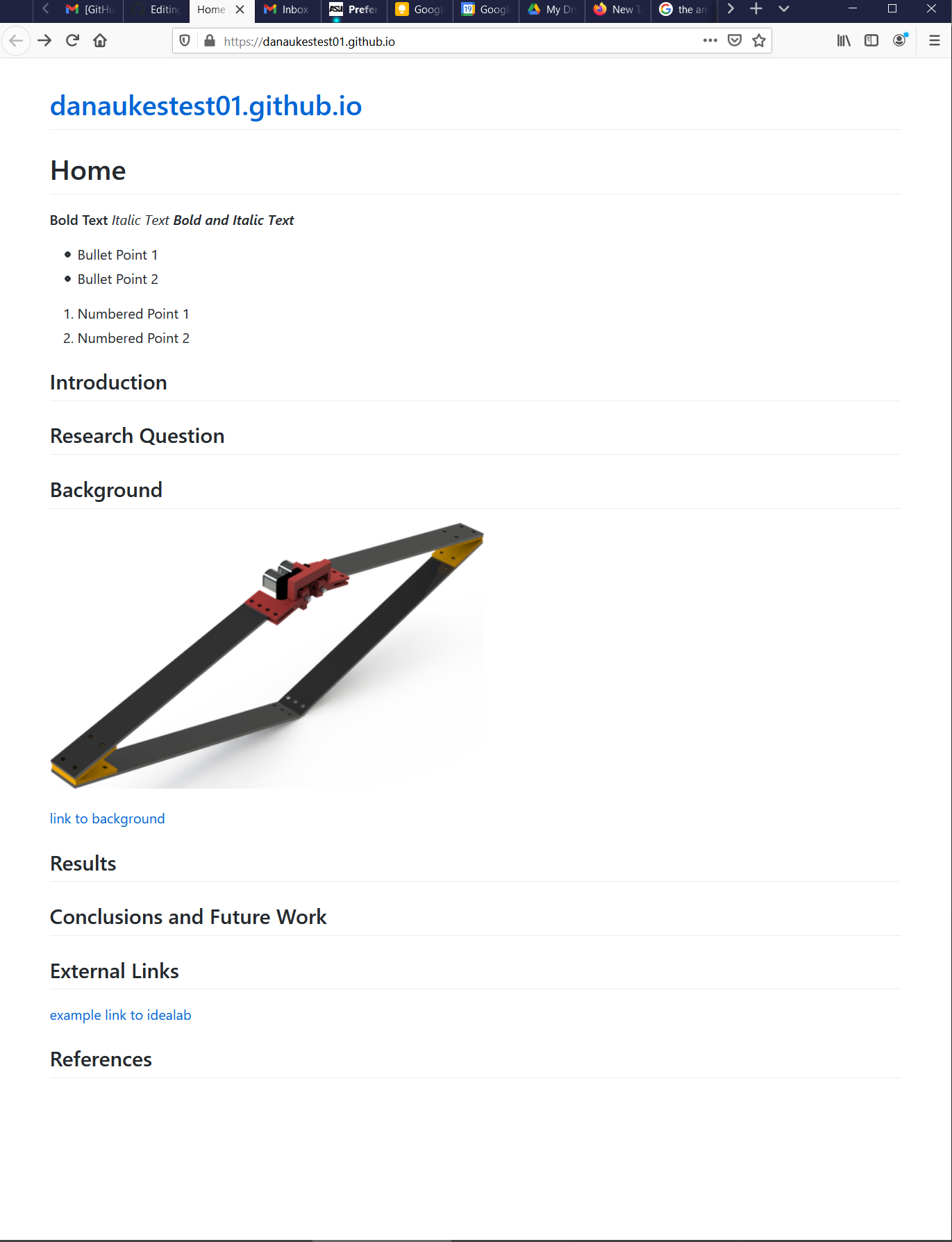
--- title: Home --- # Home ## Introduction **Bold Text** _Italic Text_ **_Bold and Italic Text_** ## Research Question * Bullet Point 1 * Bullet Point 2 * Bullet Point 3 ## Background  [link to background](/background) ## Results 1. Numbered Point 1 1. Numbered Point 2 1. Numbered Point 3 ## Conclusions and Future Work ## External Links [example link to idealab](https://idealab.asu.edu) ## References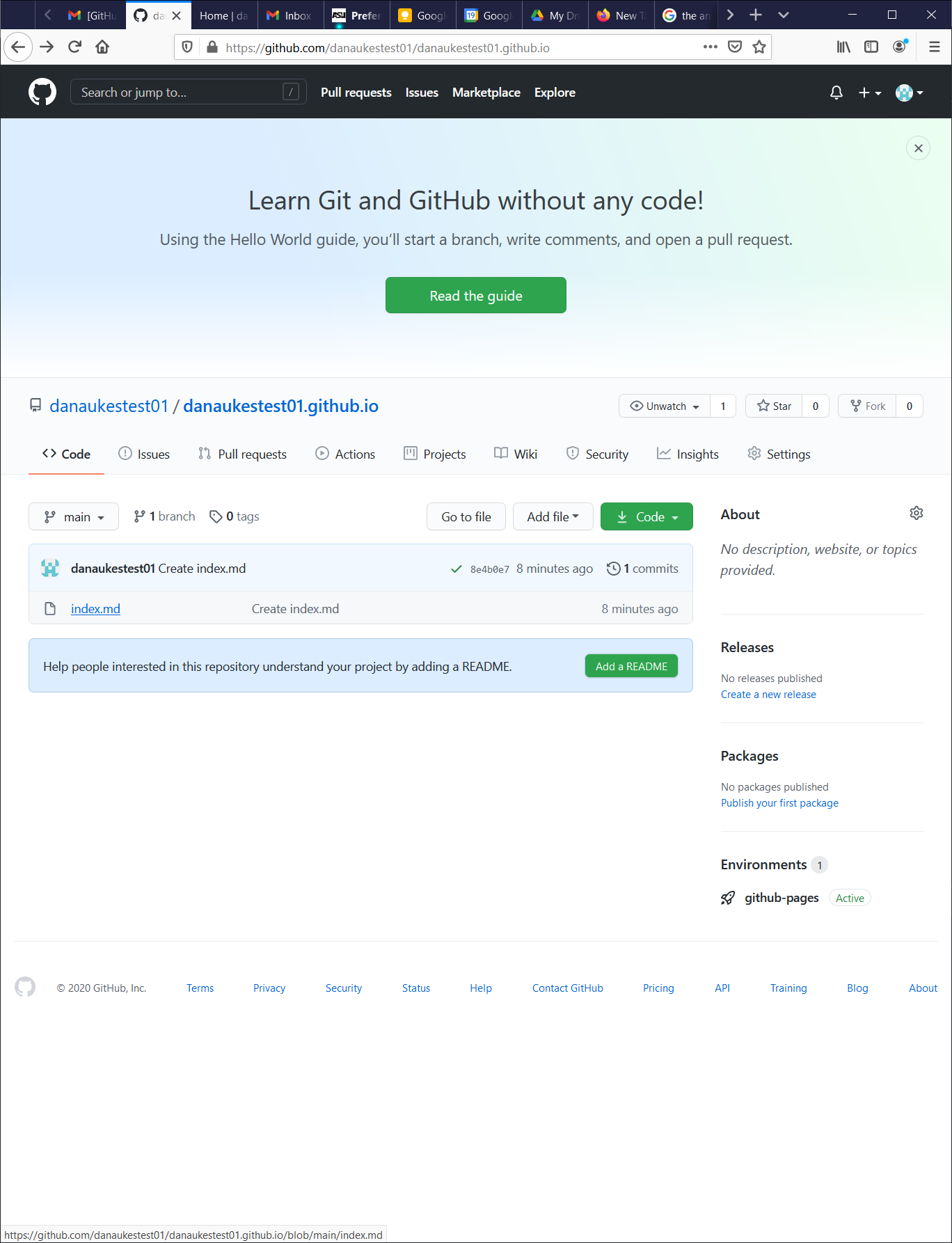 11
11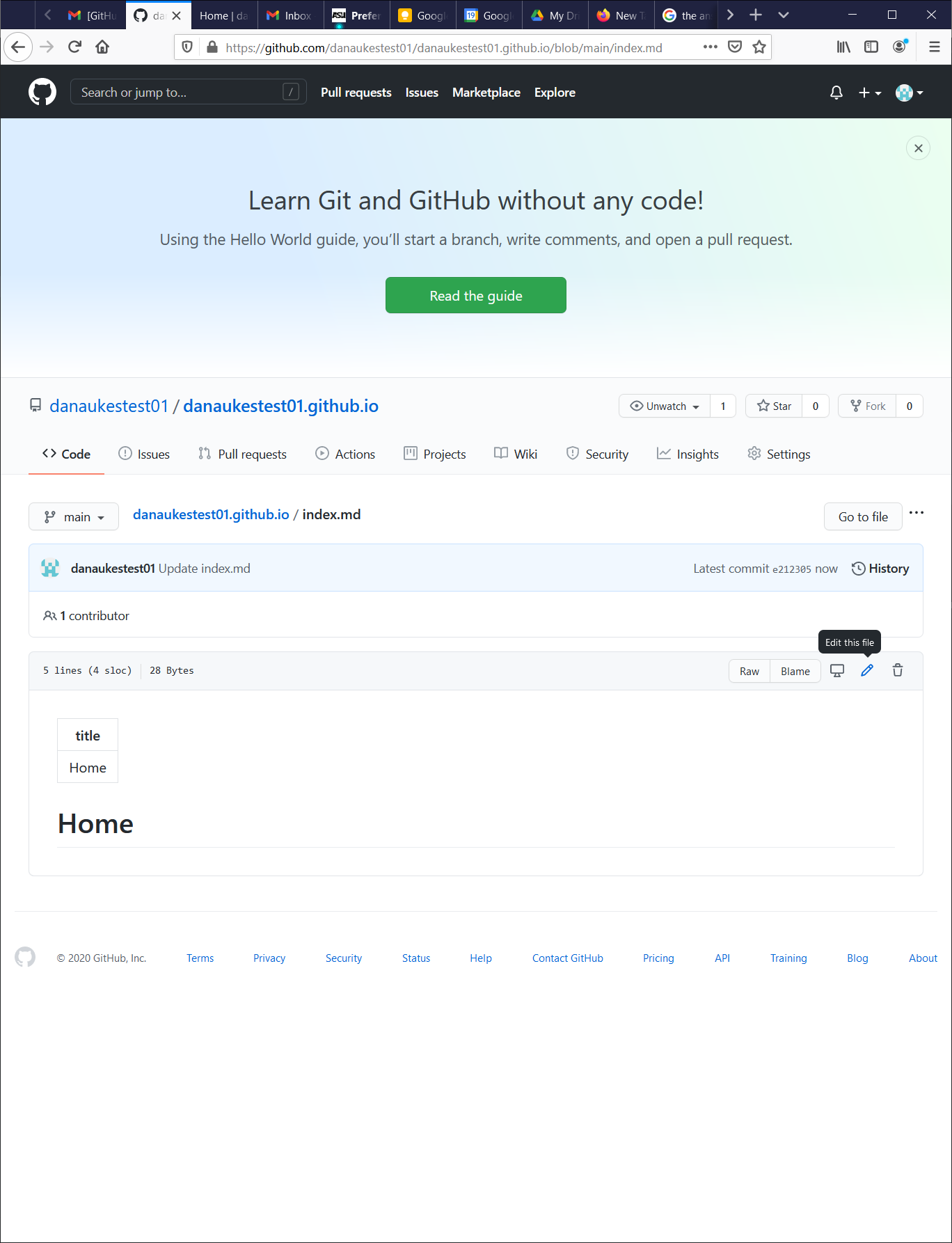 13
13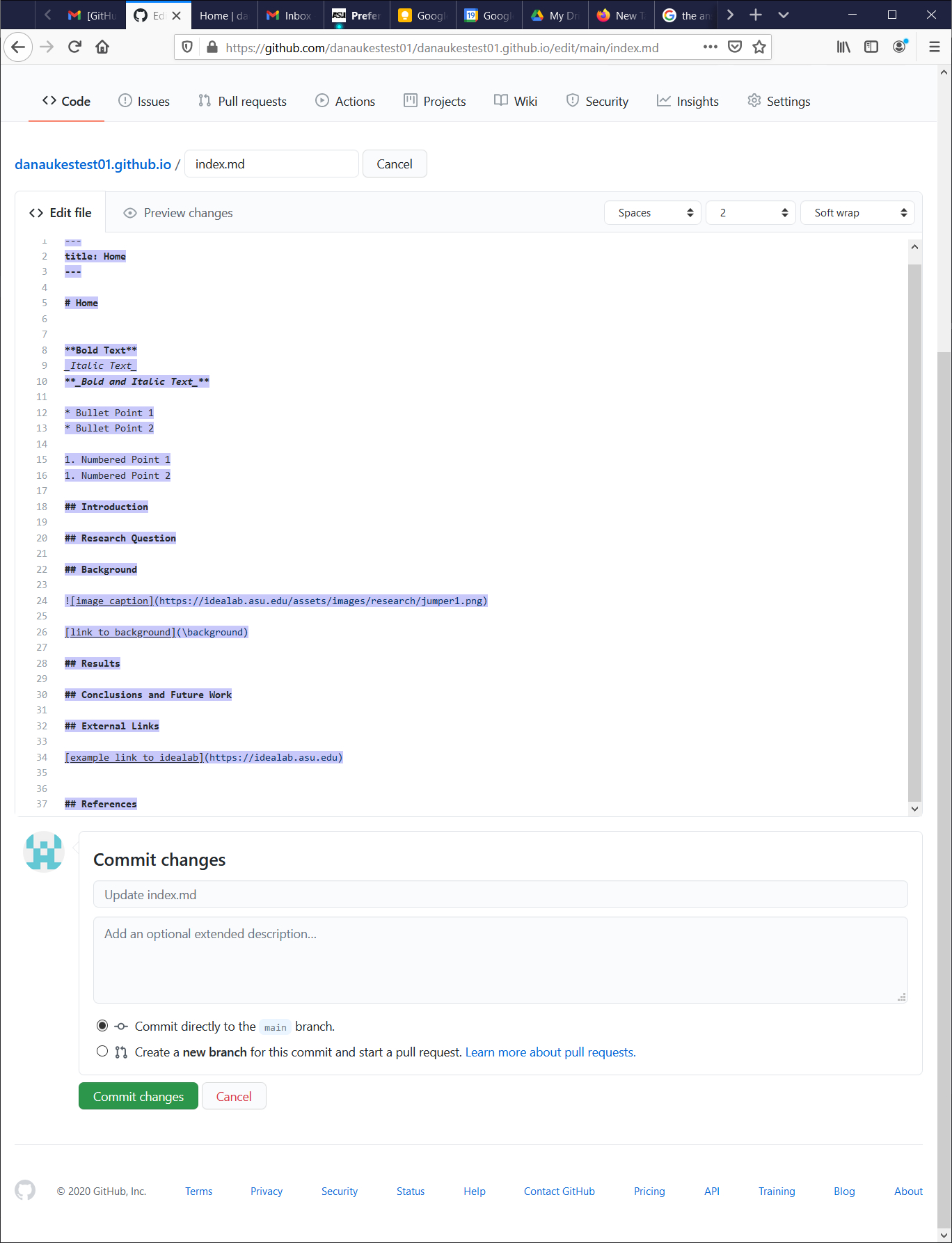 14
14Navigate back to the repository
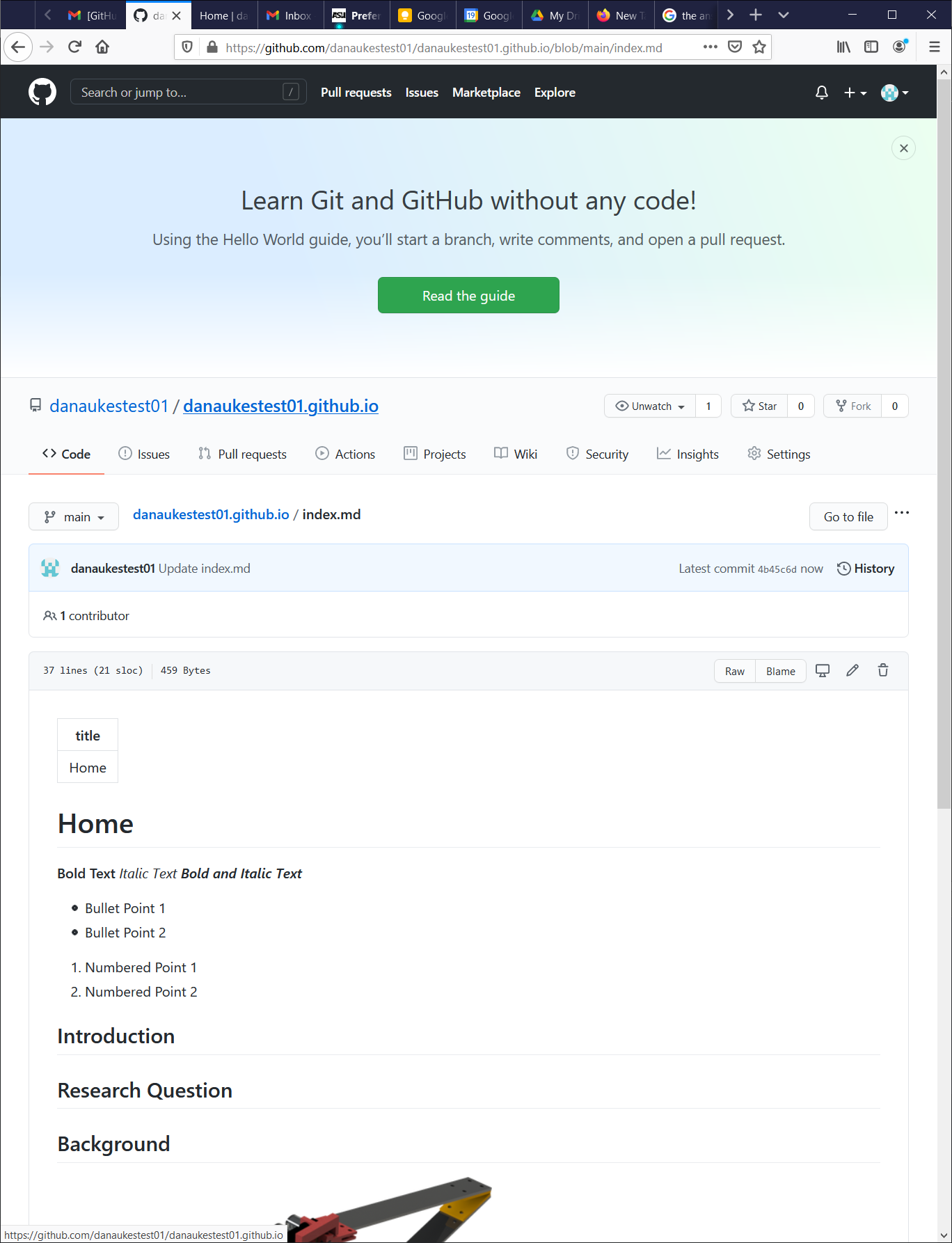 15
15Create a new file named “background.md”
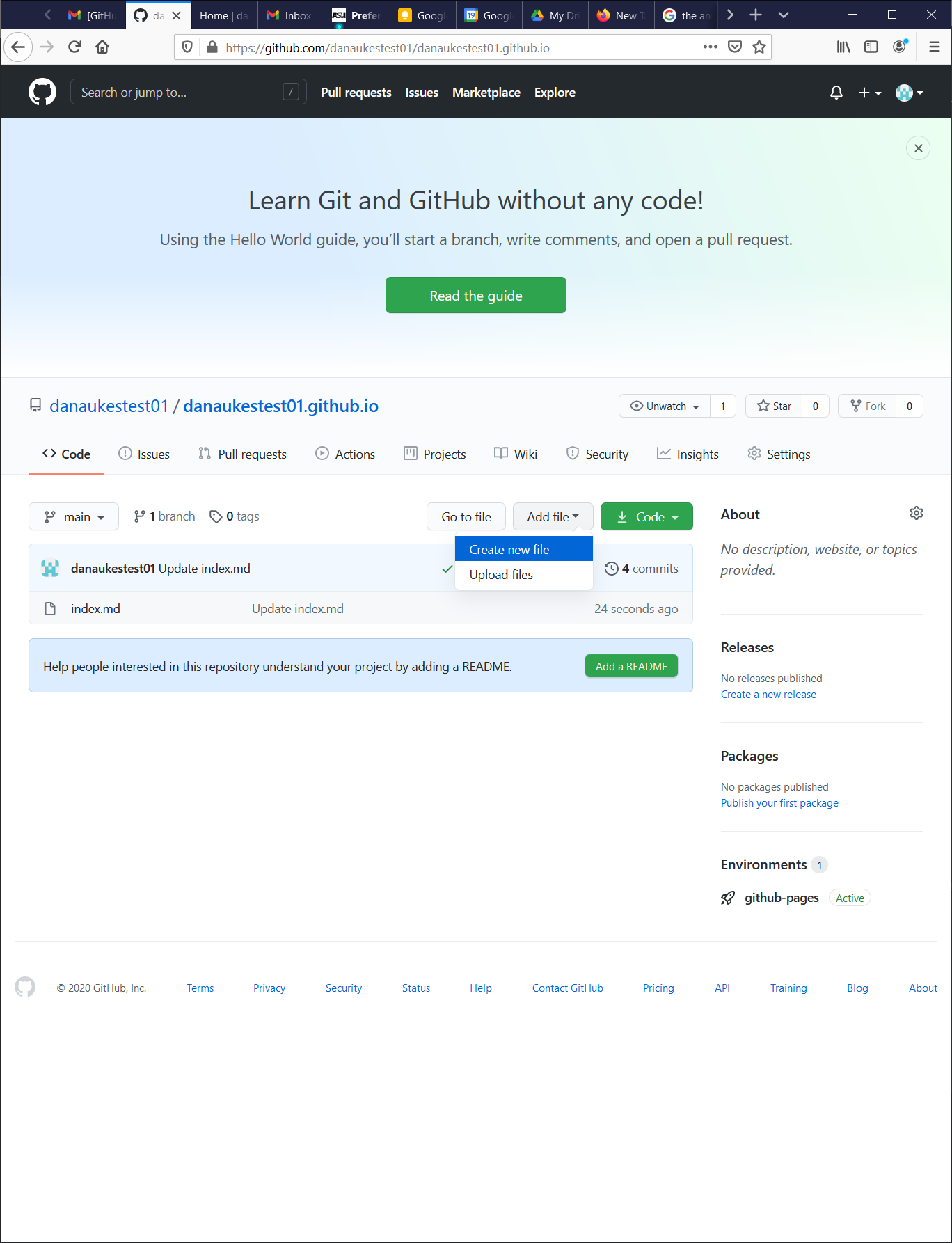 16
16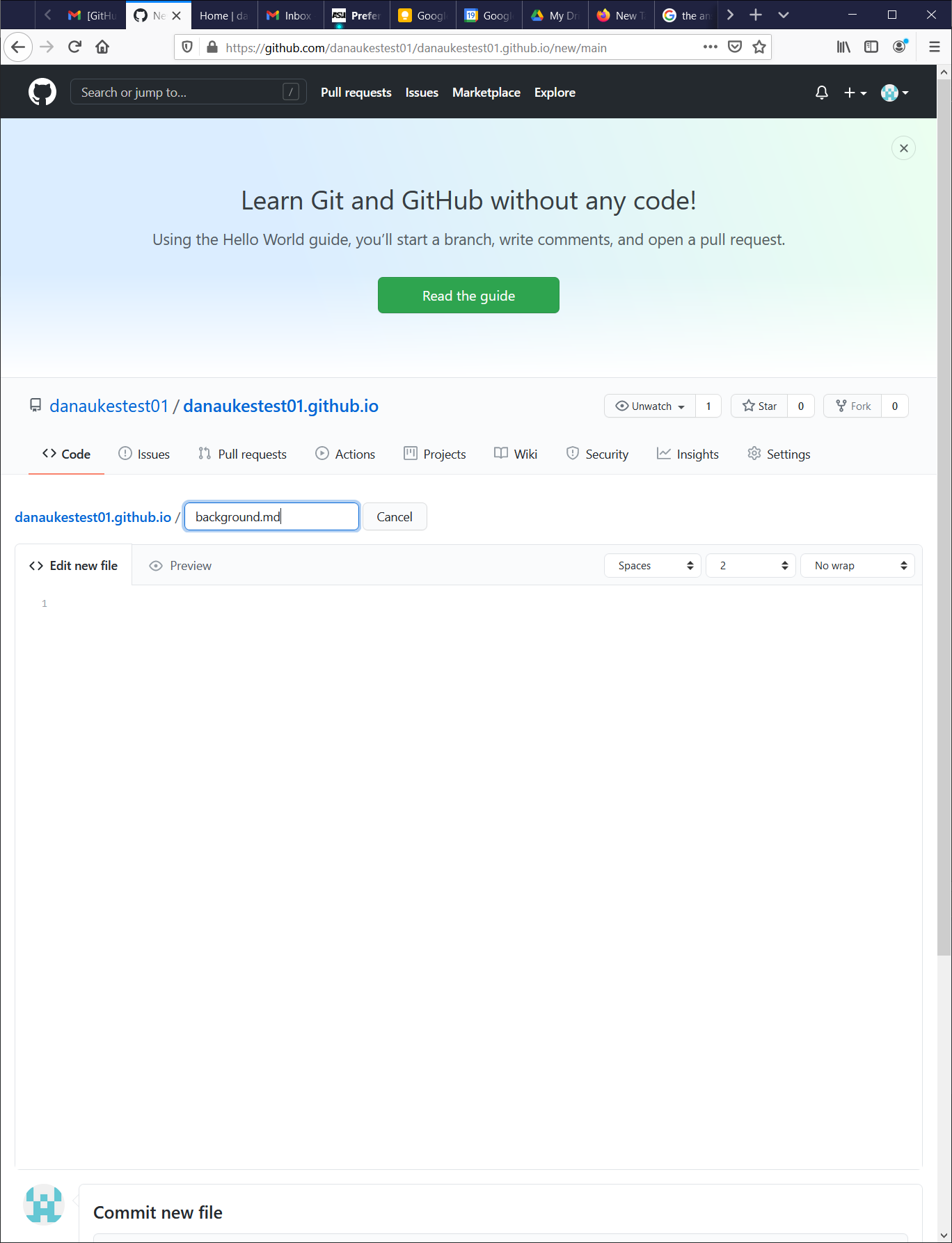 17
17Paste in the following code:
--- title: Background --- # Background ## Introduction ## Conclusions ## References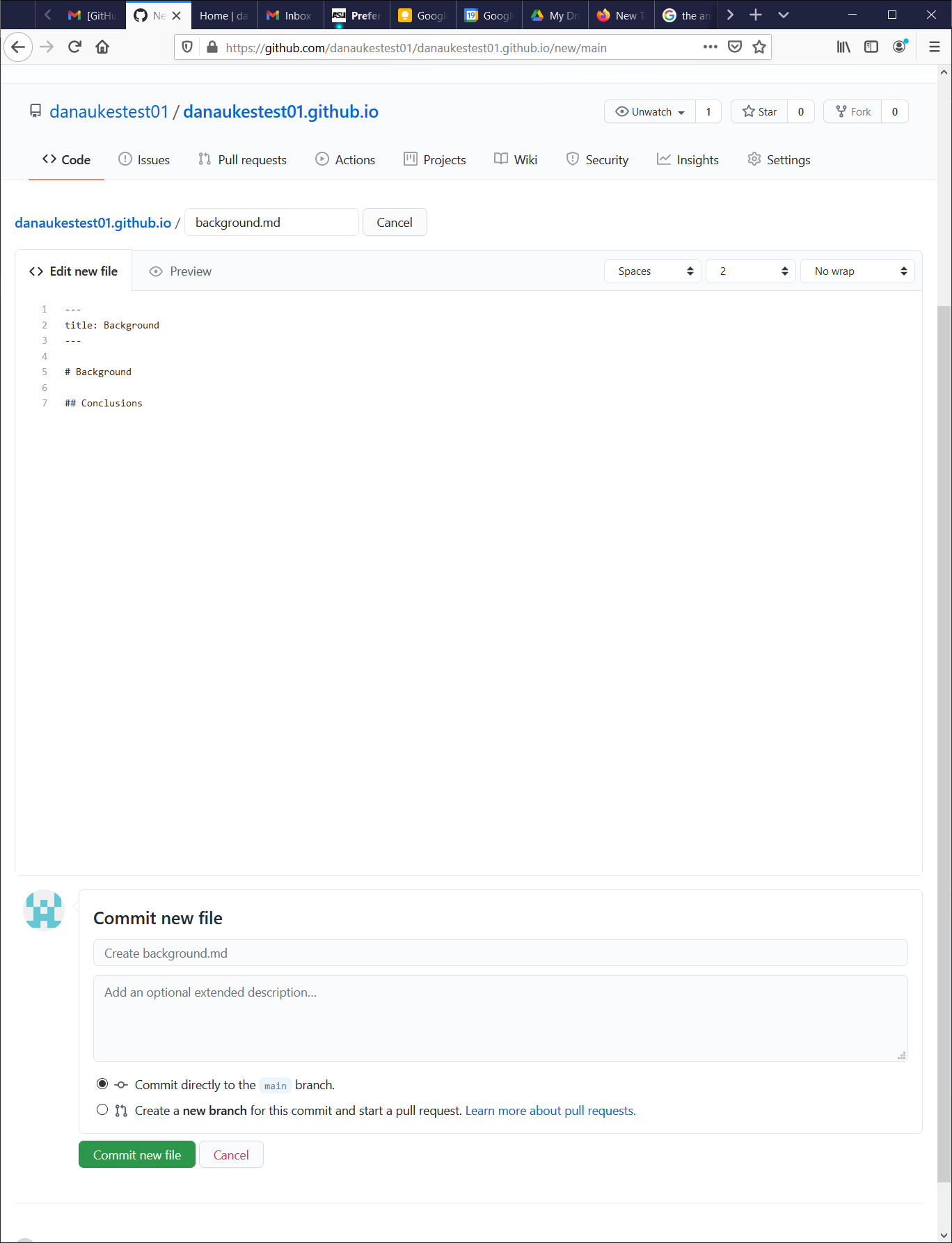 18
18Refresh the page at your-user-name.github.io and check out the results
 19
19